Everything a lapidary shop needs
From the moment you buy rough stone to the moment it leaves as a finished piece — Facetz tracks it, costs it, and tells you what you actually made.
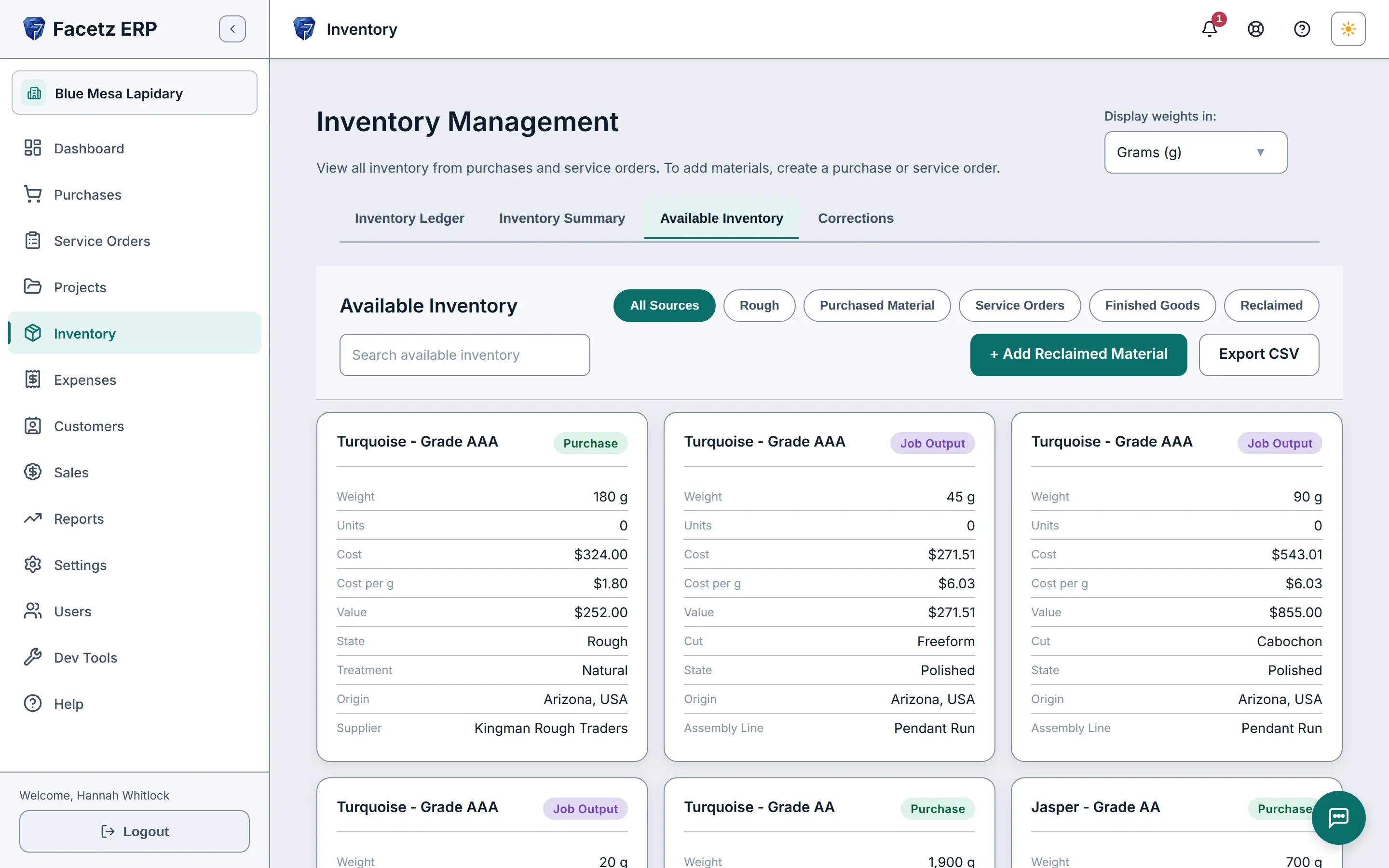
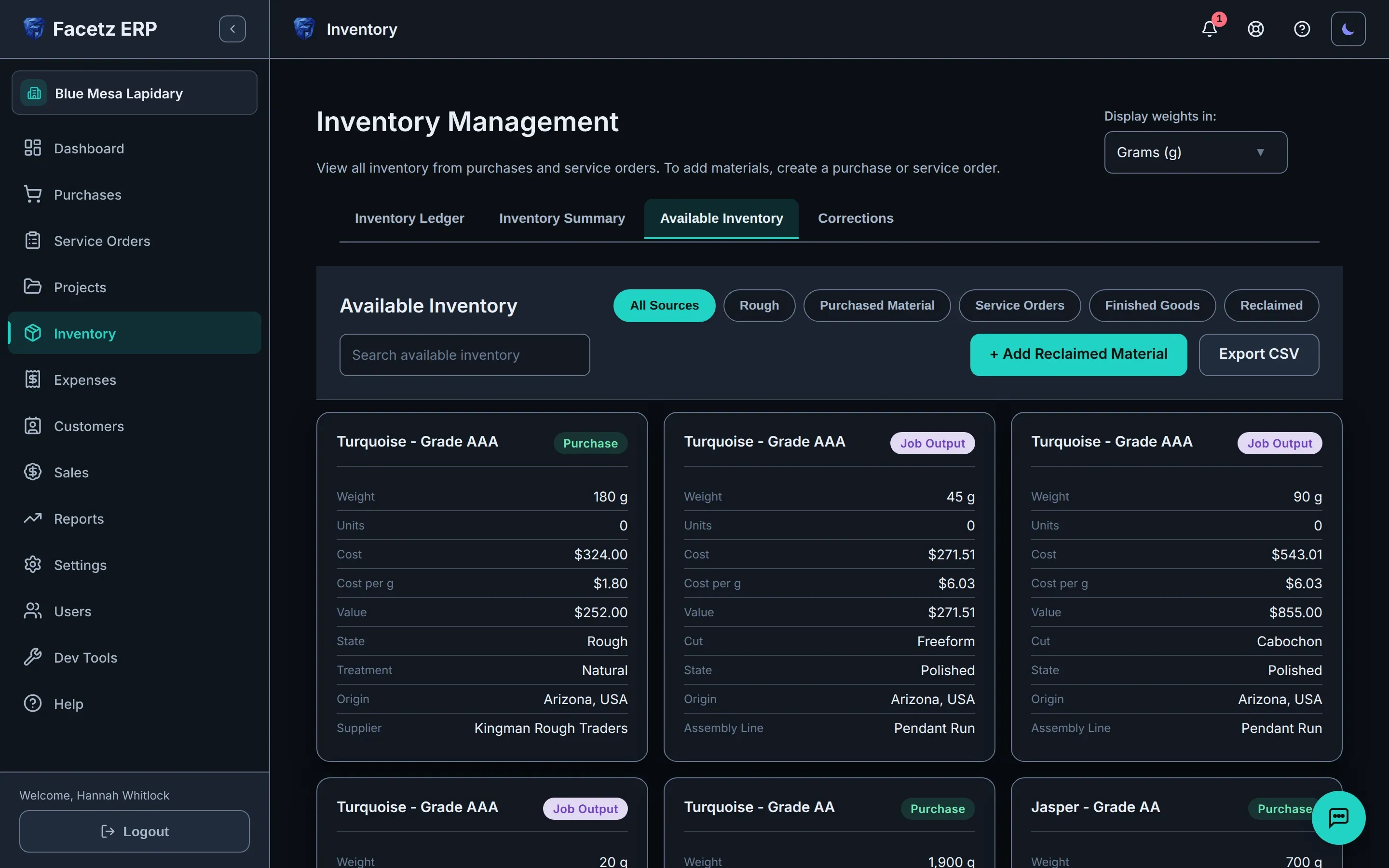
Know your inventory — really know it
A ledger, not a guess.
You always know what you can cut today
Purchases, allocations, jobs, yields, waste and loss all run through one ledger, so the stock you can use right now is always up to date.
The true landed cost of every parcel
Freight and every other landed expense sit on the purchase, so a kilo of turquoise shows its real landed price per kilo — in the unit you bought in.
See where every purchase went
Each purchase shows what’s left of it right now and a dated history — received, allocated, worked, sold — with a running balance.
Also in Inventory
- Every stone described: type, cut, state, grade, treatment, origin and your own size classes — and a finished stone remembers where its rough came from.
- Raw stock and finished goods split with one tap, and the app remembers which you were looking at.
- Weights stay as you entered them: buy in kilograms or pounds, cut in carats, report in grams or ounces — conversions are for display only.
- Live market valuation from your own pricing rules, per material and grade.
- Value your whole inventory as of any past date — a month-end report re-run next week matches the original.
- Restock in one click: a past purchase opens a new form already filled in, with only the weight or piece count left blank.
- Pool restocks by supplier or across every purchase of a material, and inventory keeps one line at a weighted-average cost — every lot still listed underneath.
- Buy by the piece — five spondylus inlay crosses at a total or at a price each — and count them in pieces through allocation and sales.
- Reclaimed offcuts re-enter as usable stock and never count against your yield as waste or loss.
- Correct a purchase even after part of it is in use — Facetz only refuses if you’d go below what’s already committed — and the new price flows through to the projects that drew from it.
- Search available inventory by material, grade, origin or supplier, accents optional, and see how much of a material you’ve bought, what’s left and what you paid before you buy more.
- Printable QR labels for any lot: a worker scans one and sees the material — never the price.
Follow the work
From rough to finished, every step tracked.
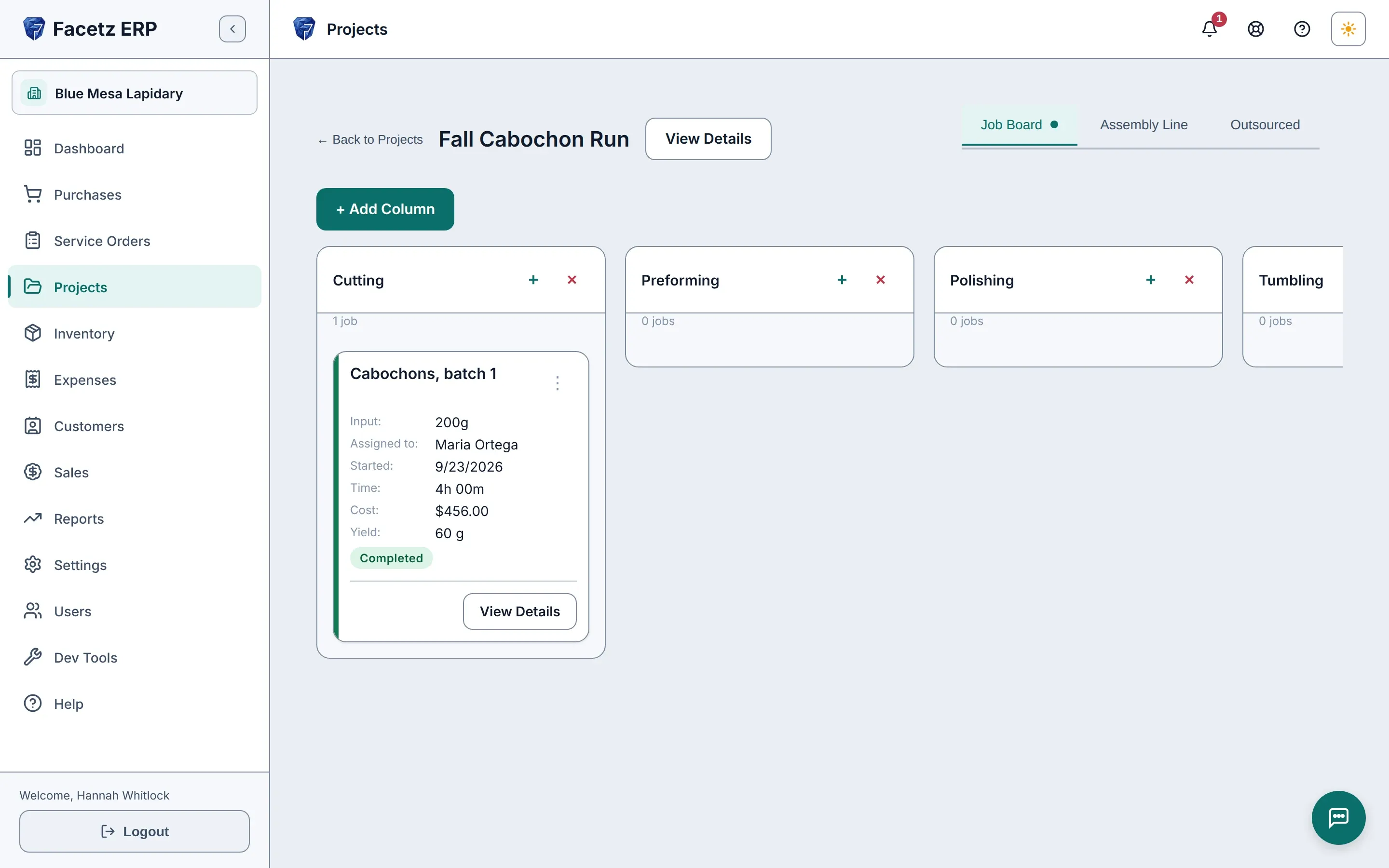
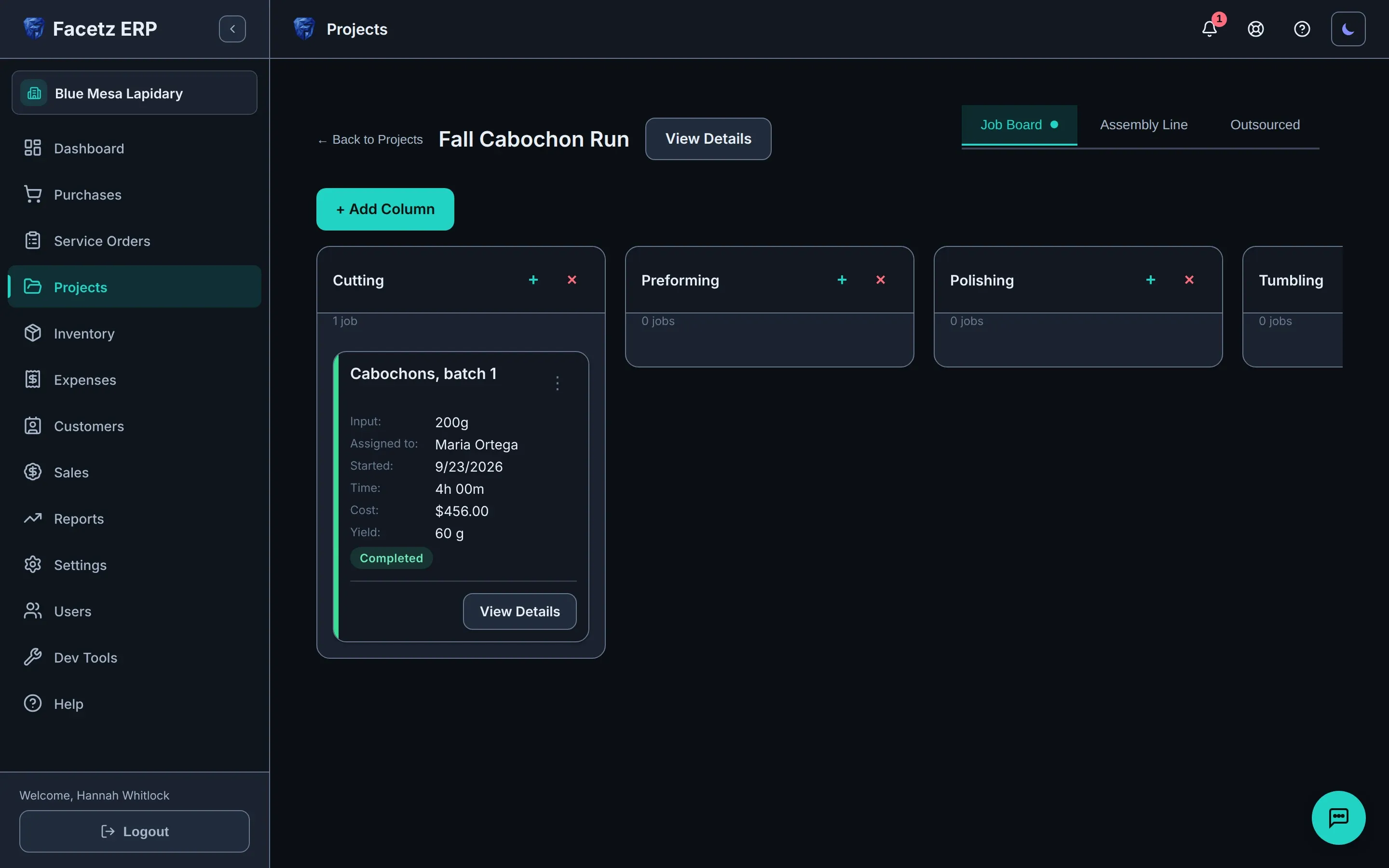
Every job timed, every hour costed
Workers start and stop their own timers, on single jobs and assembly lines alike, in the app or through Gemma; whiteboard hours are typed in, and labor cost books itself from each worker’s pay rate.
Yield and cost for a whole crew’s batch
An assembly line takes several materials — say, quartz in four different cuts — as one pooled input for one crew, and measures yield against the pooled total.
Fix a mistake weeks later, safely
Correct a finished job’s quantities and every later job, assembly line and finalized sale re-costs itself — after a preview of each change, with who, when and why kept on record.
Also in Production
- Projects group material, jobs, people and a live cost breakdown down to cost per gram, and their status keeps itself: complete when the last job or assembly line finishes, active again when new work lands.
- A visual job board: add only the phases a project needs, drag jobs across them, record yields on completion.
- Start work in one save: tick outsourced, assembly line or single job on a new project and Facetz creates the project, allocates the material and opens the work — all or nothing.
- A start and its stop make one session, and each whiteboard entry is its own, so you fix the one someone forgot to stop, not the total — and on an assembly line, re-price a worker’s logged time when the rate was wrong.
- Pay by the day, week or month: the whole period’s wage lands on the jobs and assembly lines worked in it, split by hours — or prorate it to the hours actually logged.
- A completed assembly line reopens for a correction as long as its output is unused, and a finished line’s hours and cost stay readable without reopening it.
- Service orders for customer work, from intake to delivery.
- Outsourced jobs: send material out, book the returned yield, and the payment books itself — partial returns included, each returned piece at its own rate.
- The project list opens on Active, remembers your filter, searches by name or by who worked on it, and every finished project carries the date its last work ended.
- An attention bell — and an optional daily email digest — flags overdue invoices and stalled jobs.
Understand your money
Costs that tell the truth.
The true cost of every finished stone
A one-page Cost Report itemizes the rough, labor, consumables and expenses behind a batch of opal cabochons, with the loss built into cost per finished gram — plus yield and, once sold, profit.
Reports per currency, never blended
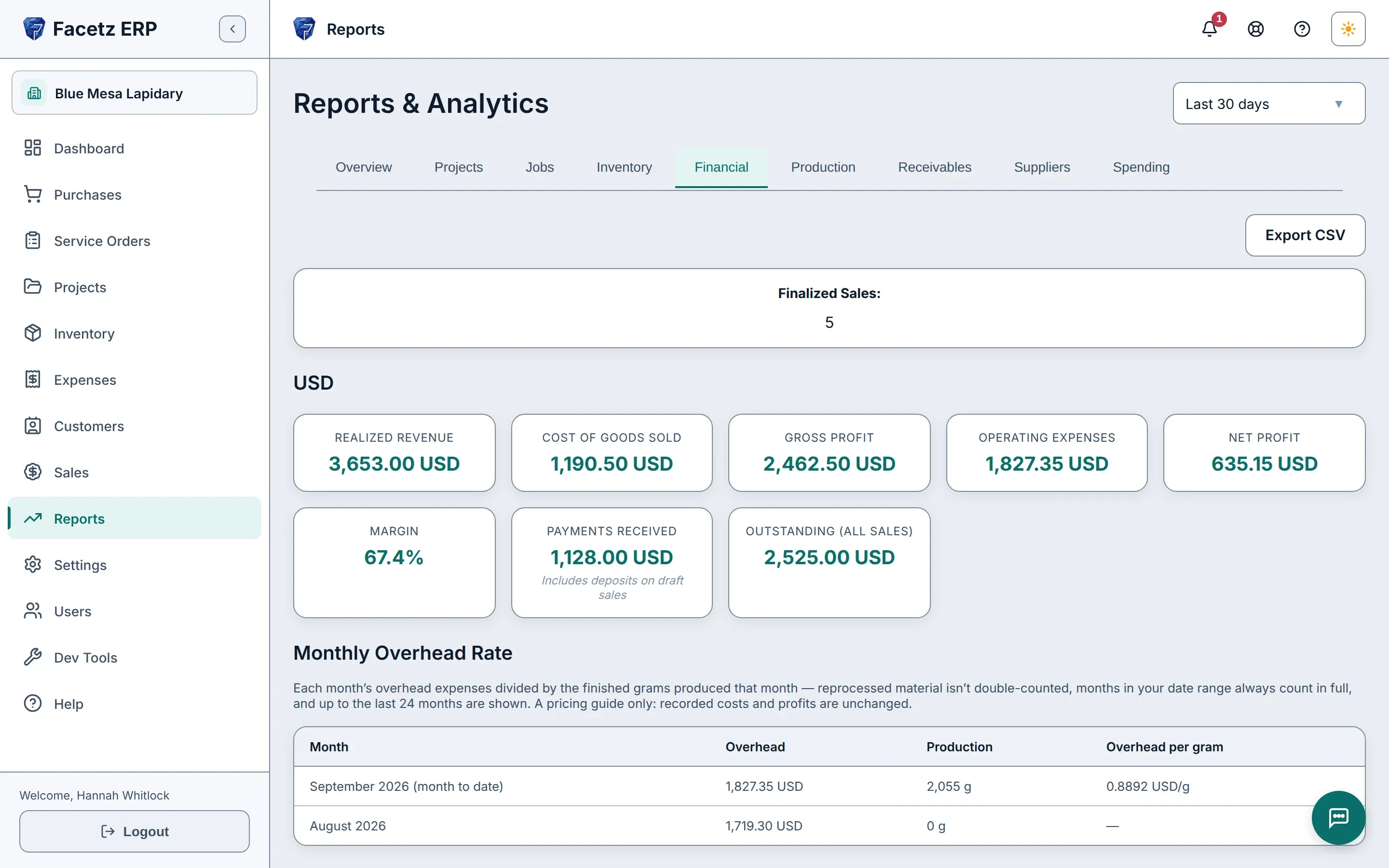
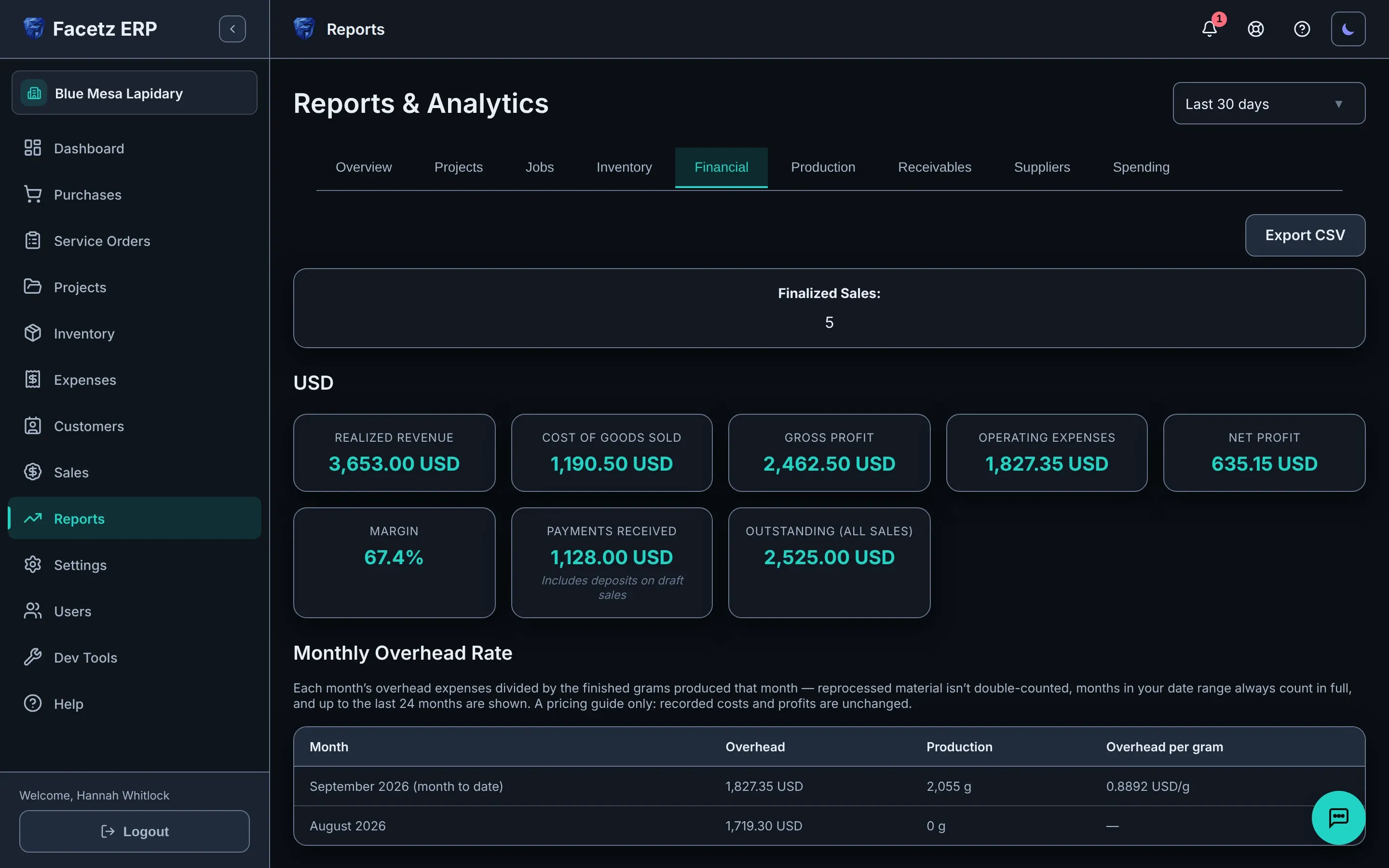
Buy lapis in pesos and sell in dollars, and every report keeps each currency separate — and keeps what your shop produced apart from what it actually sold.
Know which supplier’s rough actually pays
An all-time scorecard shows what you spent with each supplier and the yield their rough really gave, followed through every later cut.
Also in Costs & reports
- Expenses in any currency, linked to the work they belong to — capitalized into material cost or kept as period overhead, your call.
- A monthly overhead rate turns rent and utilities into a per-gram number to price against, without touching recorded costs.
- A receivables aging report shows who owes you and for how long — per currency and per customer, with each customer’s oldest due date.
- A dated spending log of every payment for outsourced work and every purchase — who got paid, how much and why — with totals per currency for each day and for the whole range, and a per-payee view.
- A batch returned at different rates shows what each piece actually cost, never a blended average.
- Foreign-currency expenses are never silently converted: give the converted amount and it counts; leave it blank and it’s flagged, not guessed.
- Prices and expenses are versioned: editing today never rewrites the past.
- Set your own base currency; nothing in Facetz assumes dollars.
See it with your own stones
Start your 14-day free trial with your real team and your real rough — the calculator shows the price first.
Start your free trialSales & invoicing
Close the loop.
Invoice from real stock
A sale is built from what’s actually available — the same ledger as everywhere else — and finalizing it decrements inventory and assigns a permanent invoice number.
Know what every sale really made
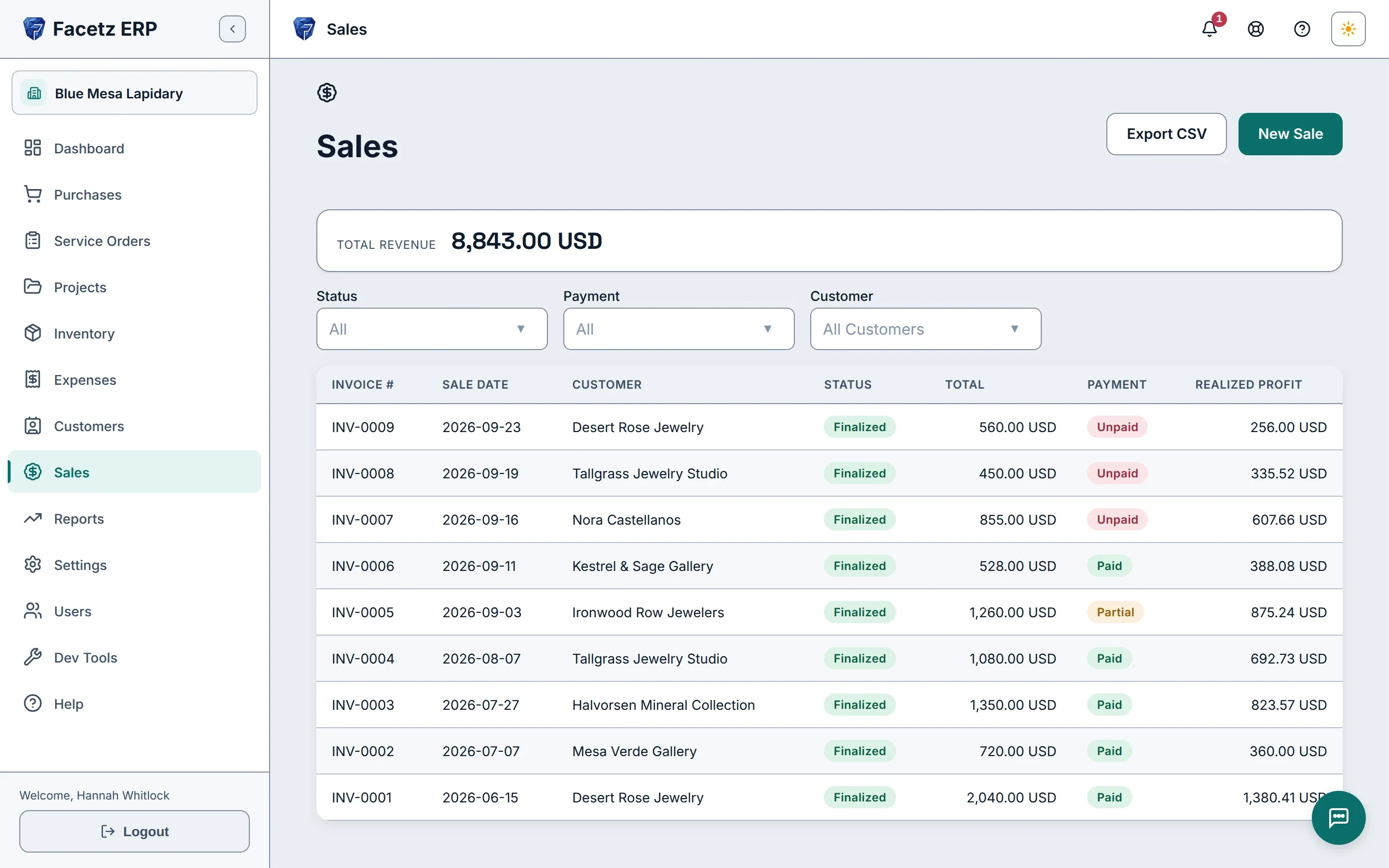
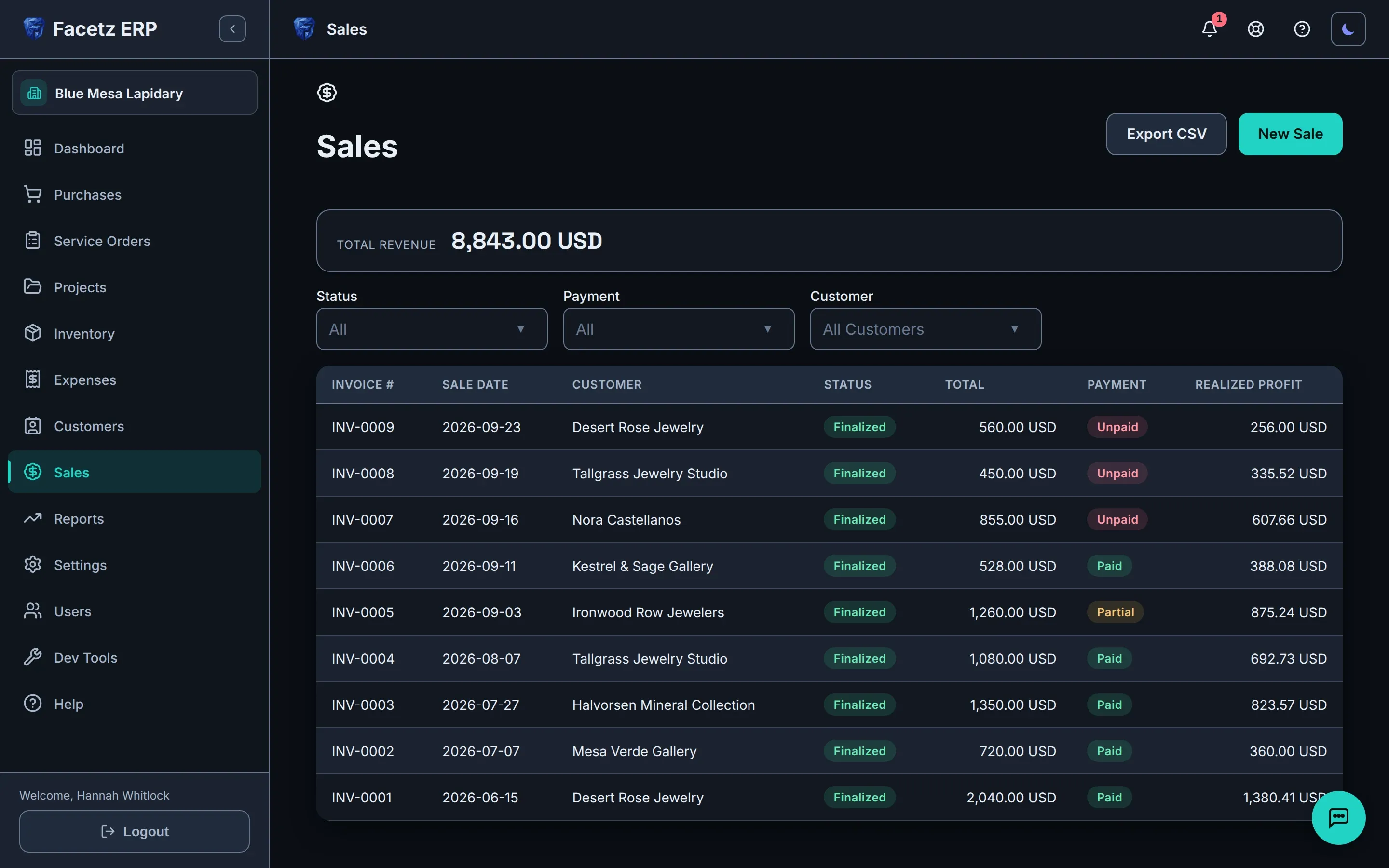
Each sale shows the profit it realized, fixed at the moment you finalize from the true cost of the stones on it.
Know who owes what, and by when
Print a numbered quote before the sale and a clean invoice after it that shows its due date and payment terms, with Net terms counted from the sale date.
Also in Sales
- Pooled lots pick as one line and split themselves, oldest first, on the finalized sale.
- Price by the gram and the line total computes itself — or type the total directly; that always wins.
- A shipping field on every sale — billed to the customer after tax, carried onto the invoice and into your revenue figures.
- Deposits and payments at any time; payment status is computed from what’s recorded.
- Every customer has a record: their sales, balances per currency, and how old what they owe is — at a glance.
Let Gemma do the typing
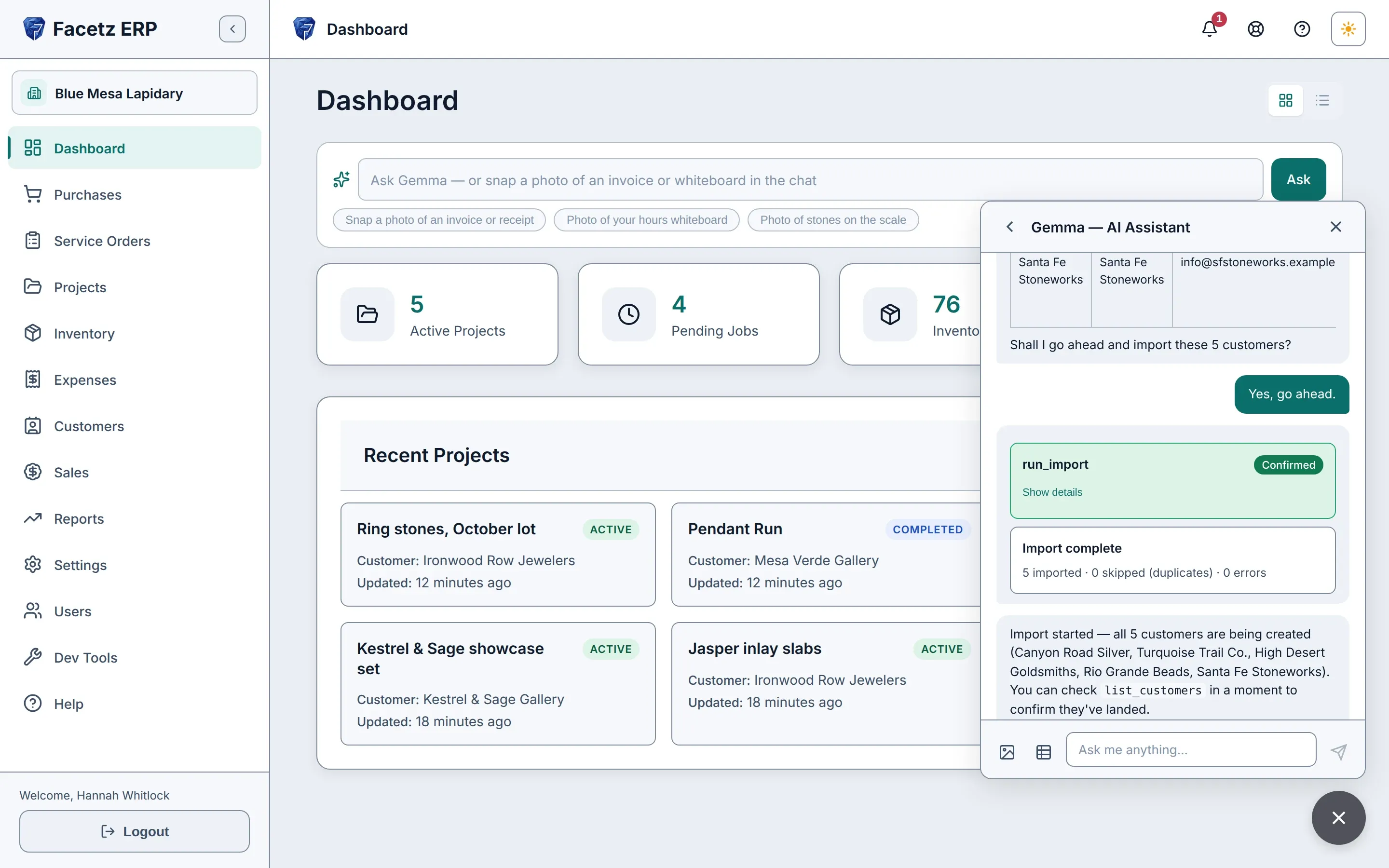
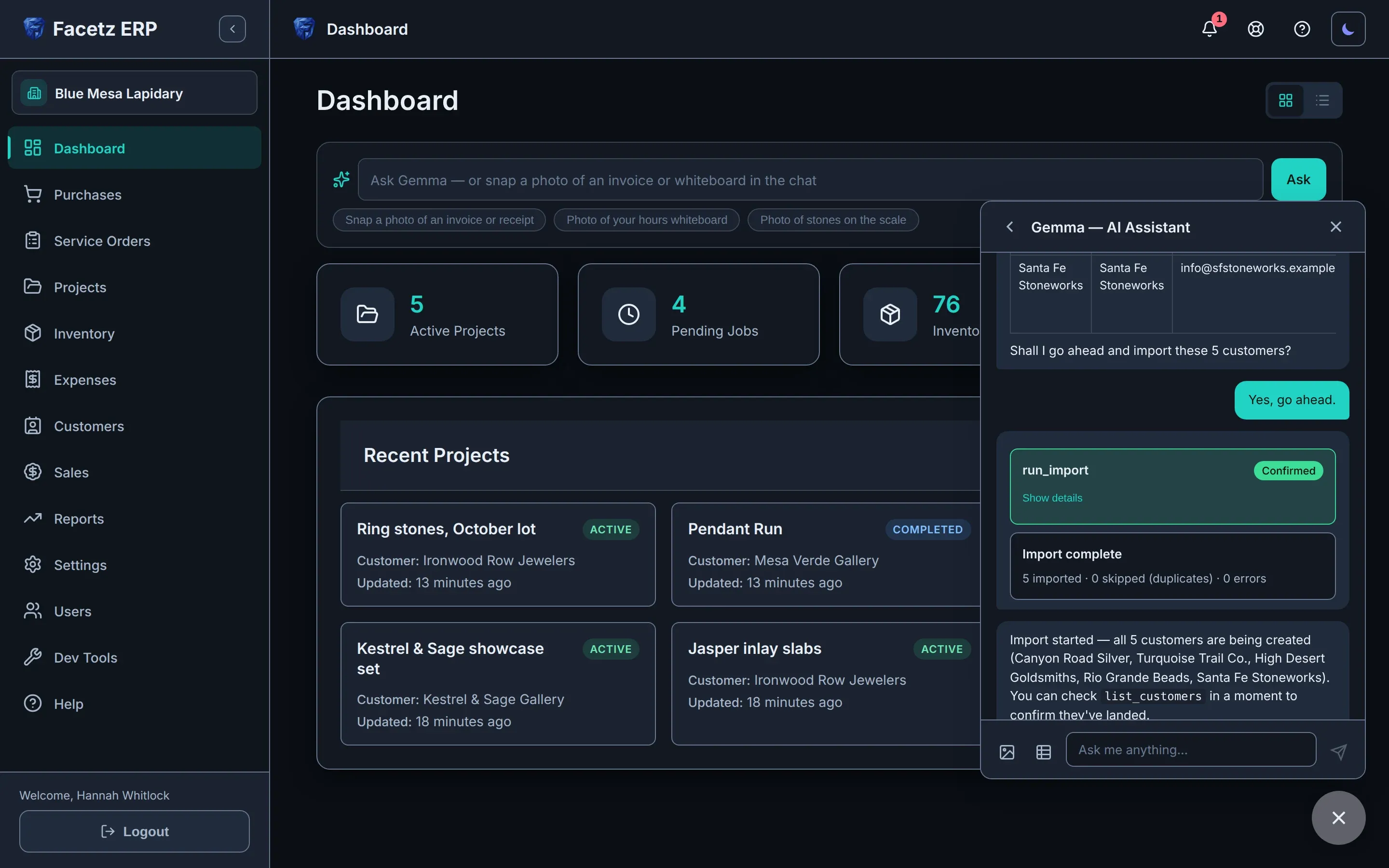
Meet Gemma, an assistant that knows your data.
Photograph it instead of typing it
Snap the hours whiteboard and Gemma logs every row; photograph a stone on the scale and it drafts the weight onto your job; hand it an invoice and ask about it.
Nothing changes until you confirm
Everything Gemma drafts lands on a confirmation card first — and Confirm all approves a multi-step request in one click and stops on any error.
Ask your own records
Ask about stock, spend, project status or the money, and the answer streams back from your live data.
Also in Gemma
- Hand it a spreadsheet — Excel, CSV or Google Sheets — and it imports your data while you watch the progress.
- Run the whole sales flow from chat, drafts to invoices.
- Managers edit and delete from chat too — purchases, expenses, projects, jobs, assembly lines — and admins manage reference data and pricing rules, all behind the same confirmation card.
- When something breaks, Gemma offers help on the spot: it reads the error, helps you past it and can file a bug report for you — nothing is sent until you confirm.
- A visible usage meter shows how much of the month’s allowance you’ve used and when it resets.
- Ask it to read or change your settings — even switch the app’s language — with the same confirm-first flow.
- Bring your own AI provider and model, or turn Gemma off entirely.
Built for a real team
Everyone sees exactly what their role needs.
Workers see their work, never the money
Workers land on My work: their own jobs and assembly lines, running timers flagged, no price or pay rate anywhere — and they run the day from the board or from chat, starting and stopping the timers on their own jobs.
Pay stays private, access fits the role
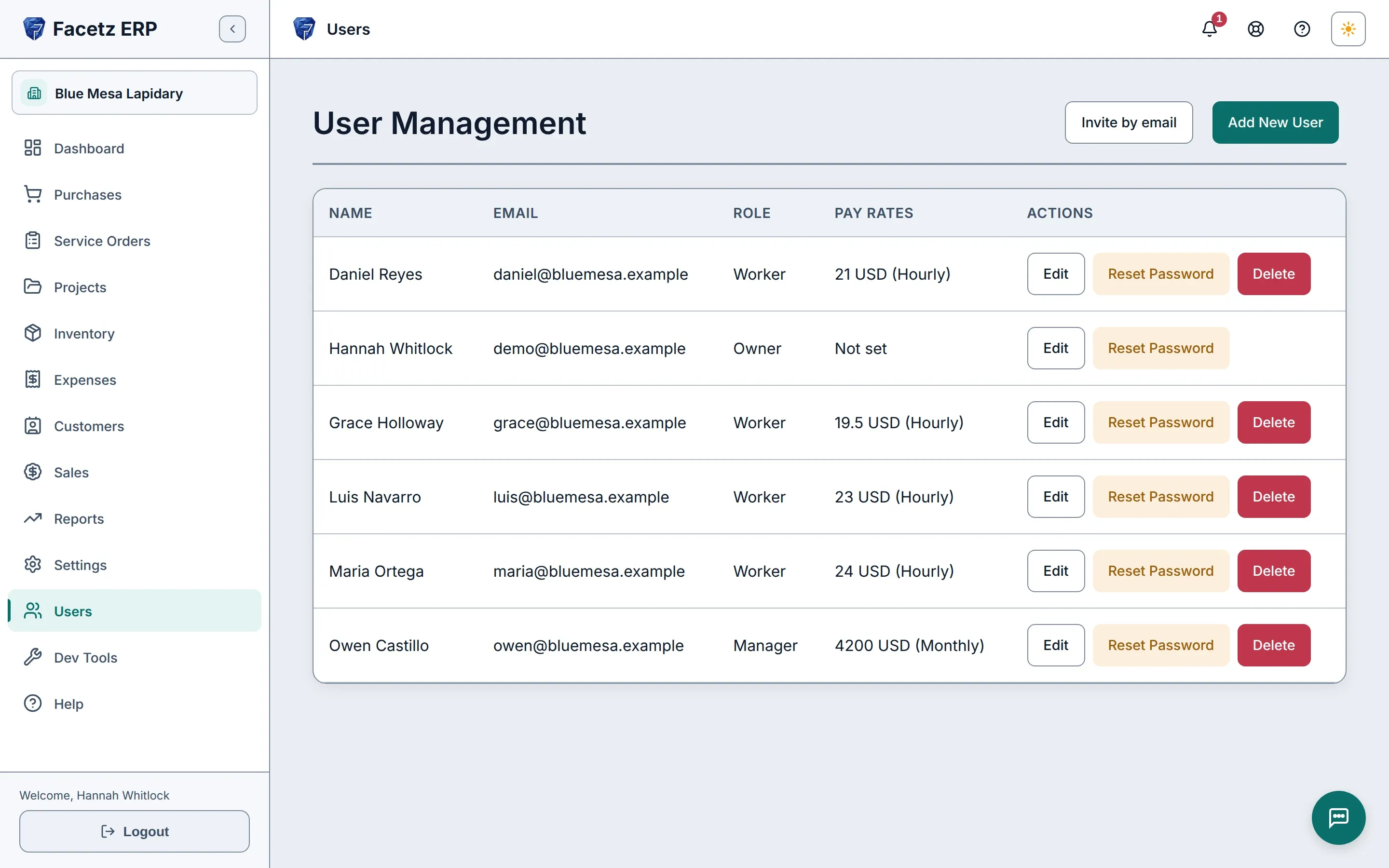
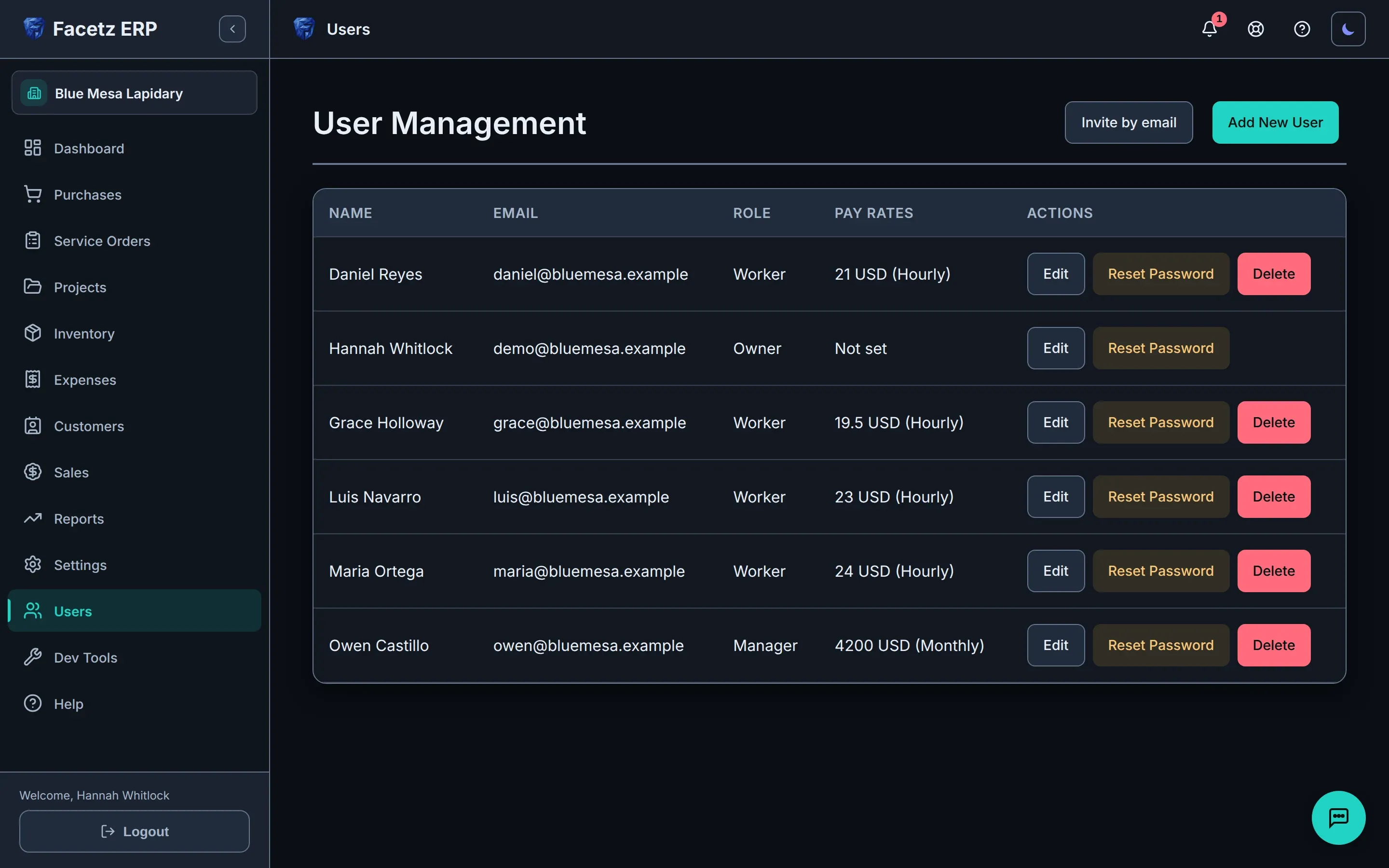
Four roles — Owner, Admin, Manager and Worker — build on each other, and pay rates stay hidden from anyone who shouldn’t see them.
Simple mode for owners who’d rather not learn software
A short task menu — record a purchase, start work, record a sale, what’s in stock, how’s the money — with Gemma front and center.
Also in Team
- Invite by email — links stay valid for a week — and sign in with Google or a password.
- Your own workspace address: your-company.facetz.app.
- If billing ever lapses, the workspace goes read-only until it’s sorted out; nothing is deleted.
- Anyone can report a bug from where it happened, annotated screenshot included, then follow it as a support thread inside the app — with a reference number, the team’s replies and an email in your language when they answer.
Everywhere you work
Works where you work.
Offline at the bench
Timers, the dashboard, purchases, service orders and the manual keep working without a connection, and what you record syncs when you’re back; the rest of the app waits until then.
11 languages, manual included
Pick yours in Settings, and company emails go out in the language your company chooses.
Help built in
A searchable user manual lives inside the app, a ? on every page opens the section about it, and it shows only the chapters for your kind of shop.
Also in Everywhere
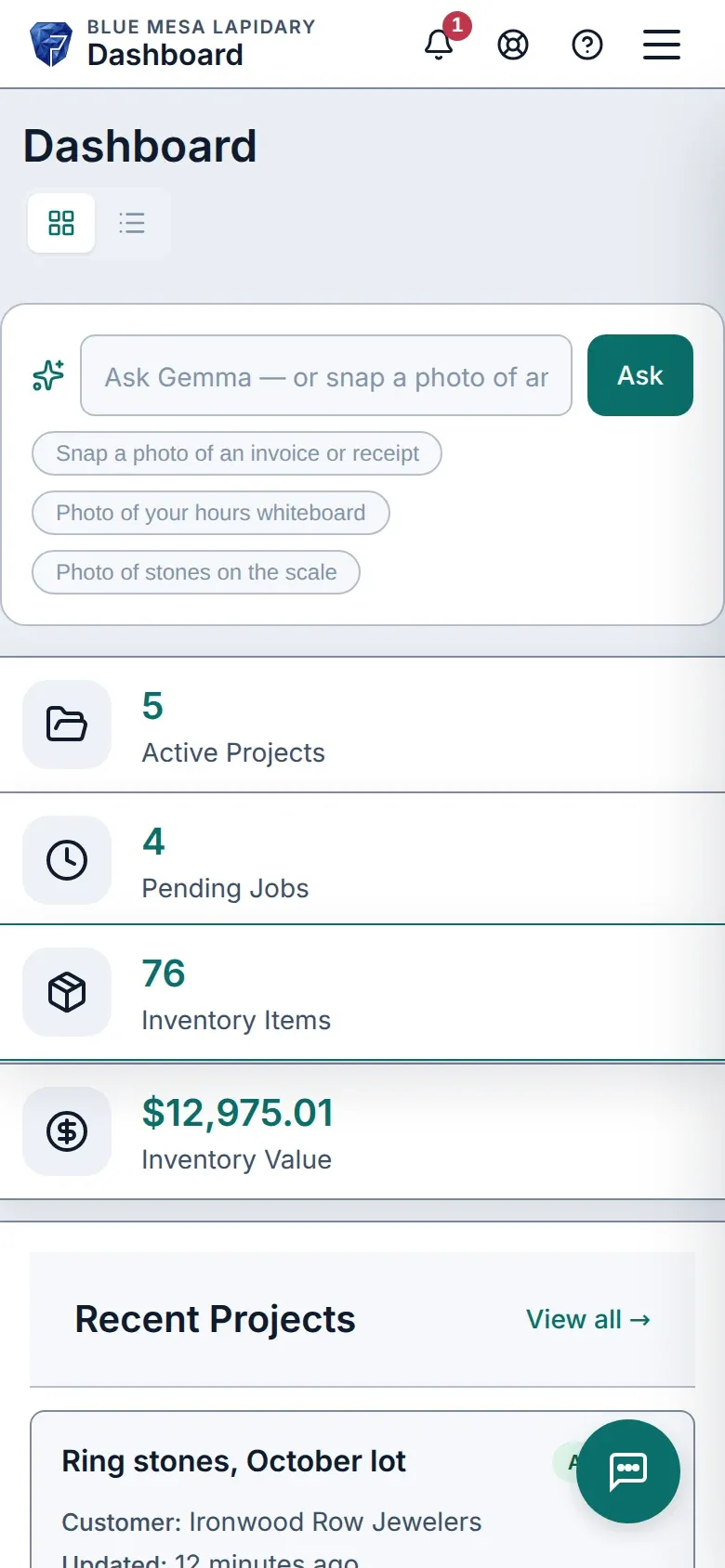
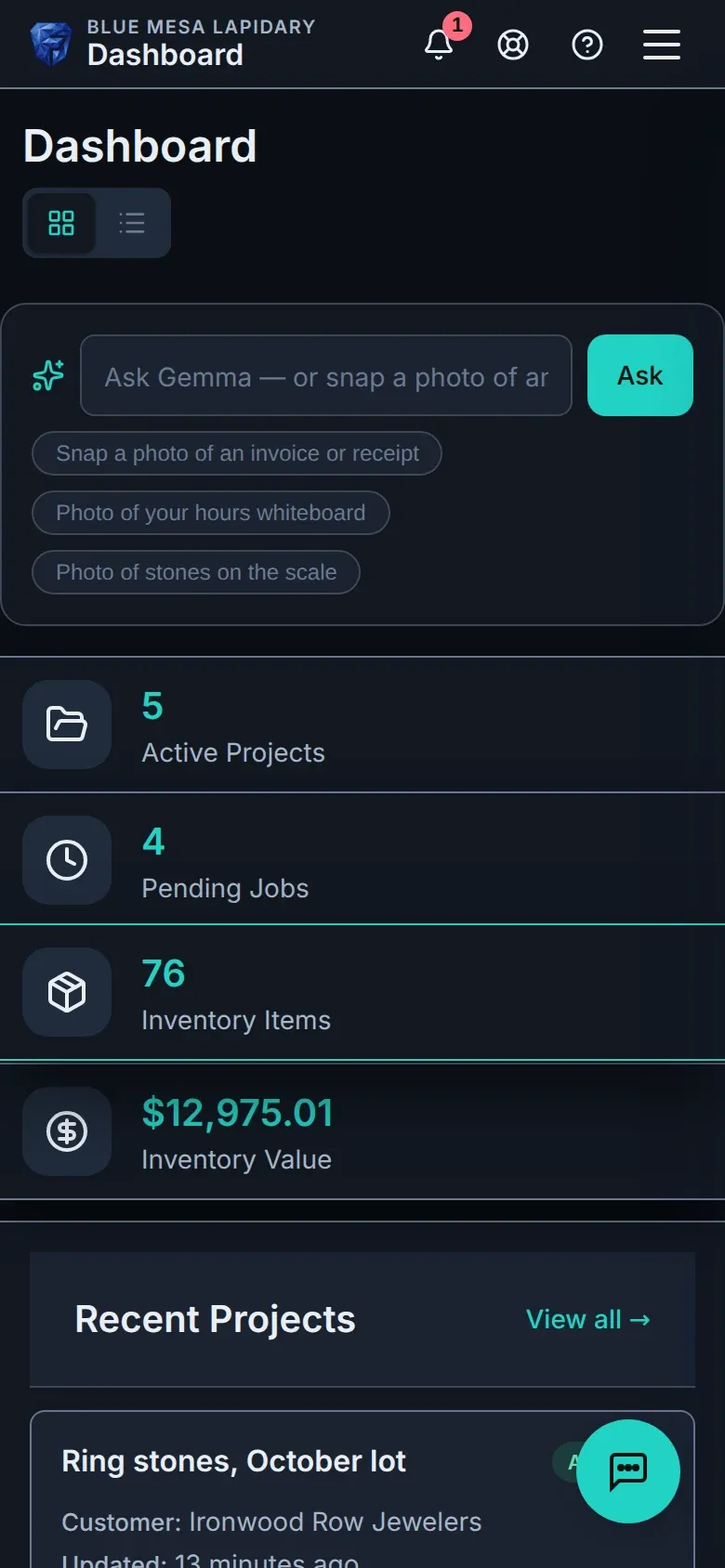
- Touch-first on tablets and phones, in light or dark mode — forms shrink above the on-screen keyboard instead of hiding behind it.
- Always the latest version — open tabs update themselves.
- Export any report or list to CSV — headers in your language, ready for Excel or Sheets.
- Your data is yours — export everything, any time.
- If billing lapses, your workspace goes read-only. Nothing is deleted.
- Every company’s data is isolated, on every query.
- Works offline at the bench.
- 11 languages, manual included.
See what every stone really cost
Start with your real team and your real stones — 14 days free.
Start your free trial