Conosca il costo reale di ogni pietra.

Facetz segue il suo grezzo dall'acquisto alla vendita — ogni grammo, ogni ora, ogni perdita — così vede il costo reale di ogni pietra finita e quanto ha davvero guadagnato. Per laboratori di taglio e linee di produzione.

Prova gratis Guardi la demo di 6 minuti

Prova gratuita di 14 giorni · nessuna carta richiesta · 11 lingue

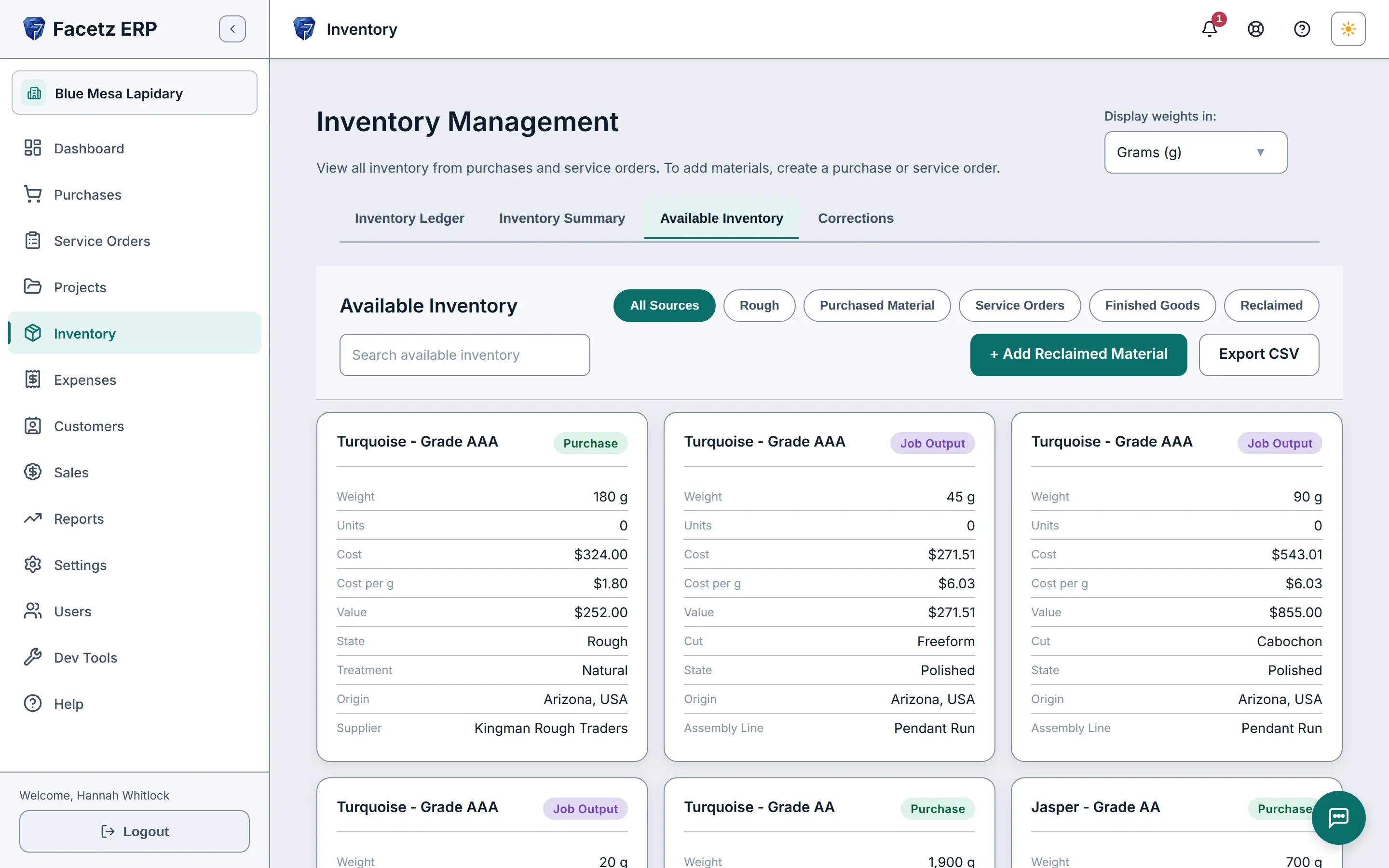
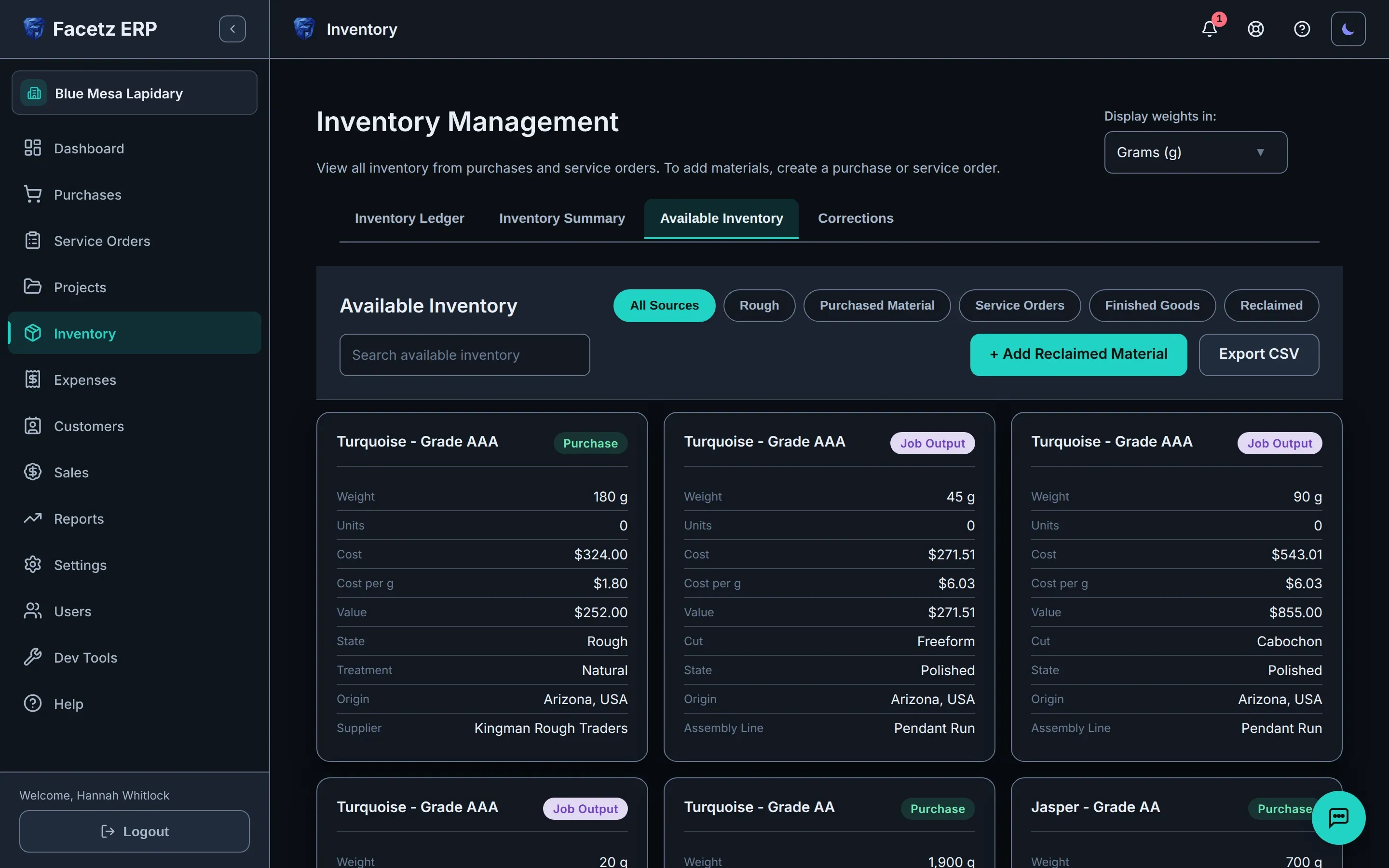
L'Inventario disponibile: grezzo acquistato e output dei lavori fianco a fianco, ogni scheda con peso, costo, valore di mercato e origine.L'Inventario disponibile: grezzo acquistato e output dei lavori fianco a fianco, ogni scheda con peso, costo, valore di mercato e origine.
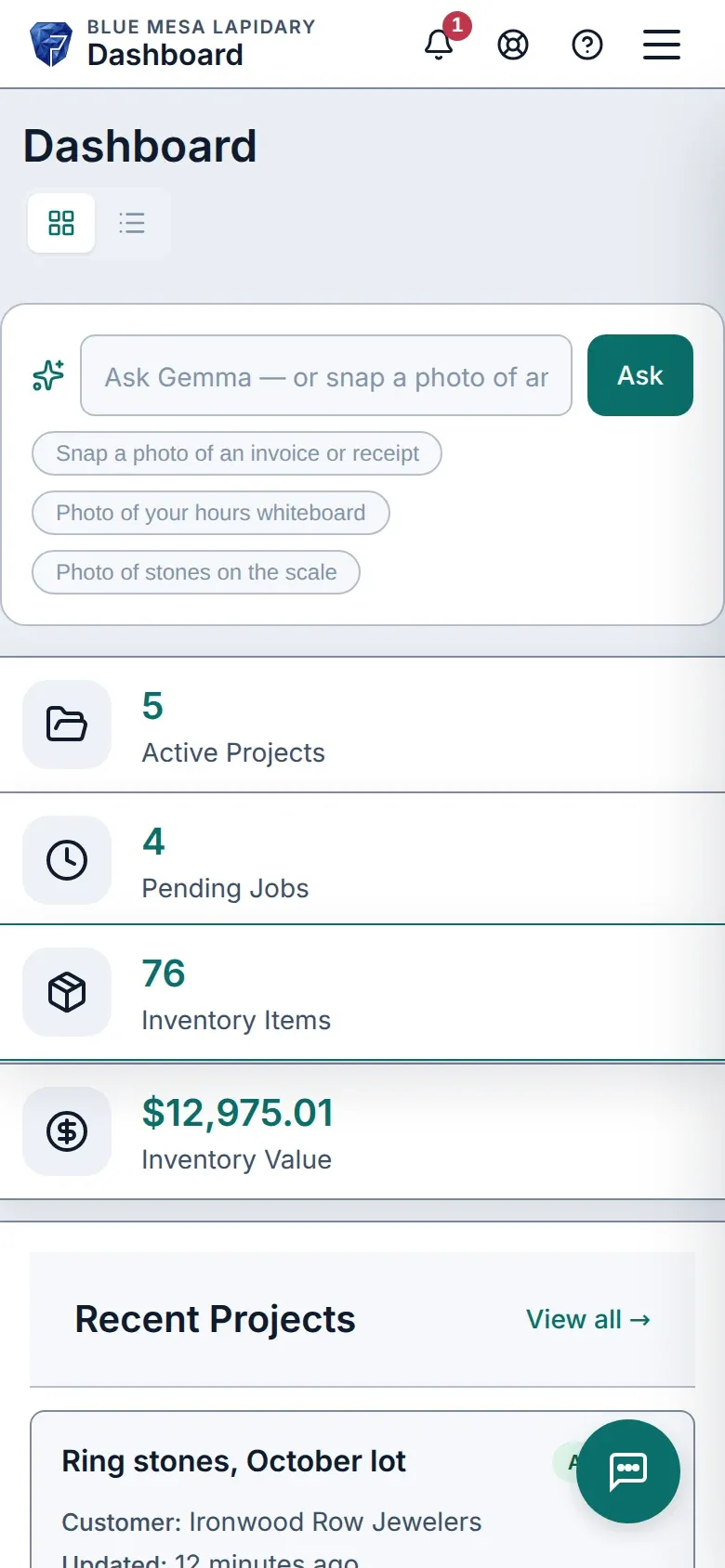
La dashboard di Facetz su un telefono.La dashboard di Facetz su un telefono.

Le suona familiare?

  • I costi stanno in tre fogli di calcolo e su una lavagna.

    Un unico registro, dal grezzo alla fattura.

  • Sa quanto è costato il lotto — non ogni singola pietra.

    Costo per grammo finito: grezzo + manodopera + perdite.

  • Le ore sulla lavagna, le rese nella testa di qualcuno.

    Timer per lavoratore — oppure fotografi la lavagna e Gemma le registra.

Dal grezzo alla fattura

  1. Acquisti

    Un chilo di turchese, in qualsiasi valuta — ogni grammo tracciato dal giorno in cui arriva.

    L'Inventario disponibile: grezzo acquistato e output dei lavori fianco a fianco, ogni scheda con peso, costo, valore di mercato e origine.L'Inventario disponibile: grezzo acquistato e output dei lavori fianco a fianco, ogni scheda con peso, costo, valore di mercato e origine.
  2. Tagli

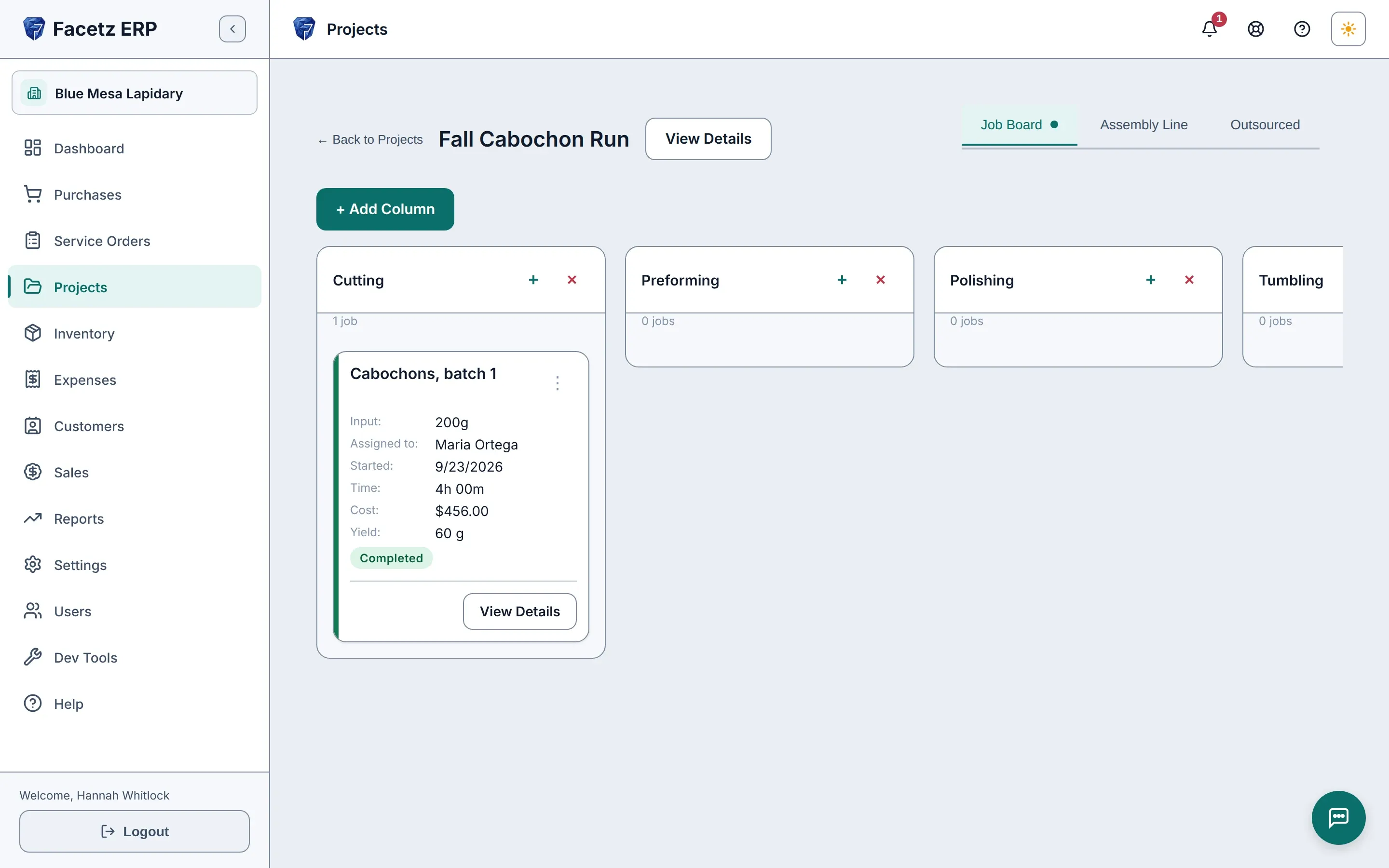
    Lavori per fase sulla bacheca, ogni tagliatore cronometrato — oppure un'équipe su una linea di montaggio.

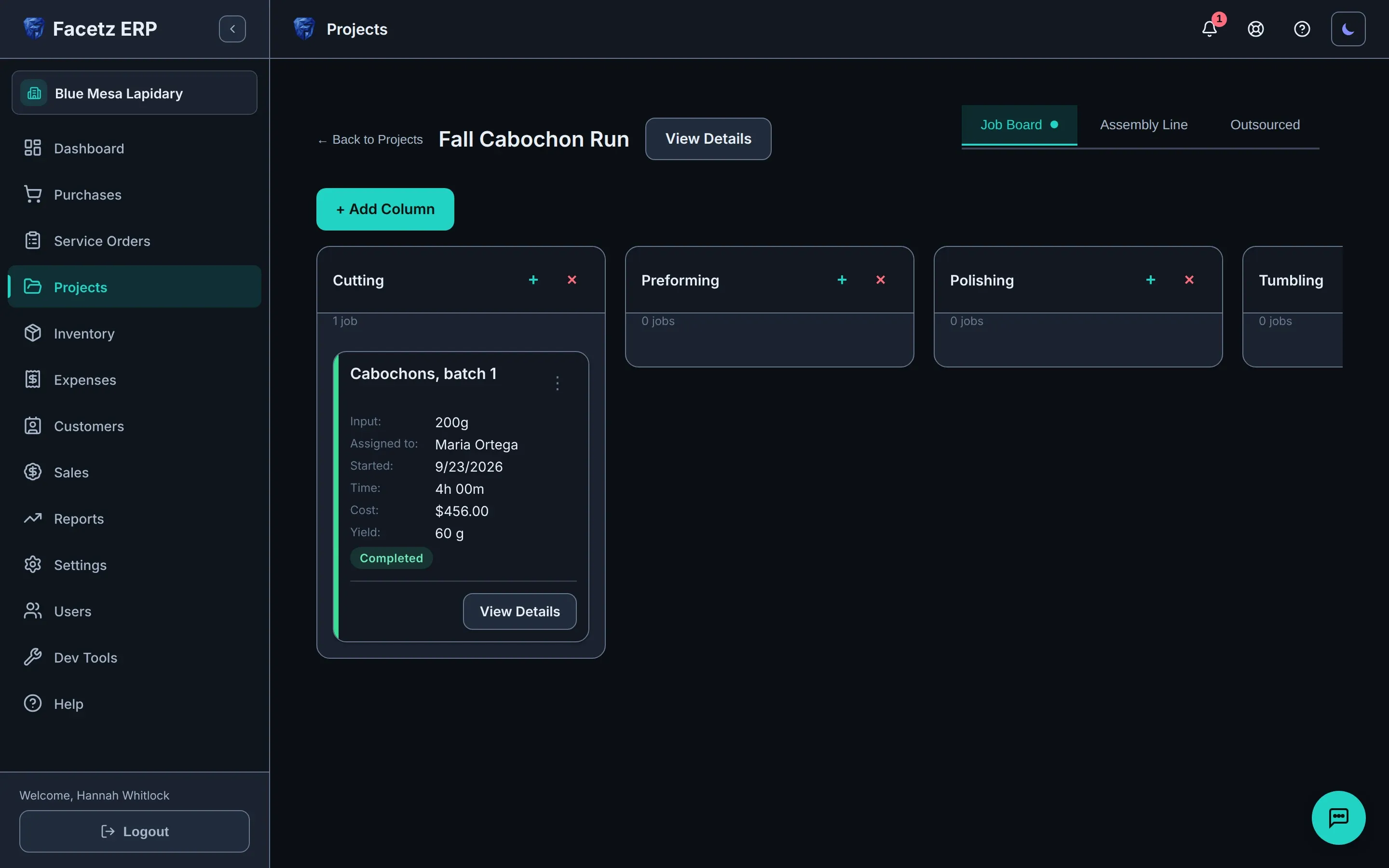
    La bacheca dei lavori di un progetto: una colonna per fase, la scheda del lavoro con tagliatore, ore e resa.La bacheca dei lavori di un progetto: una colonna per fase, la scheda del lavoro con tagliatore, ore e resa.
  3. Calcoli il costo

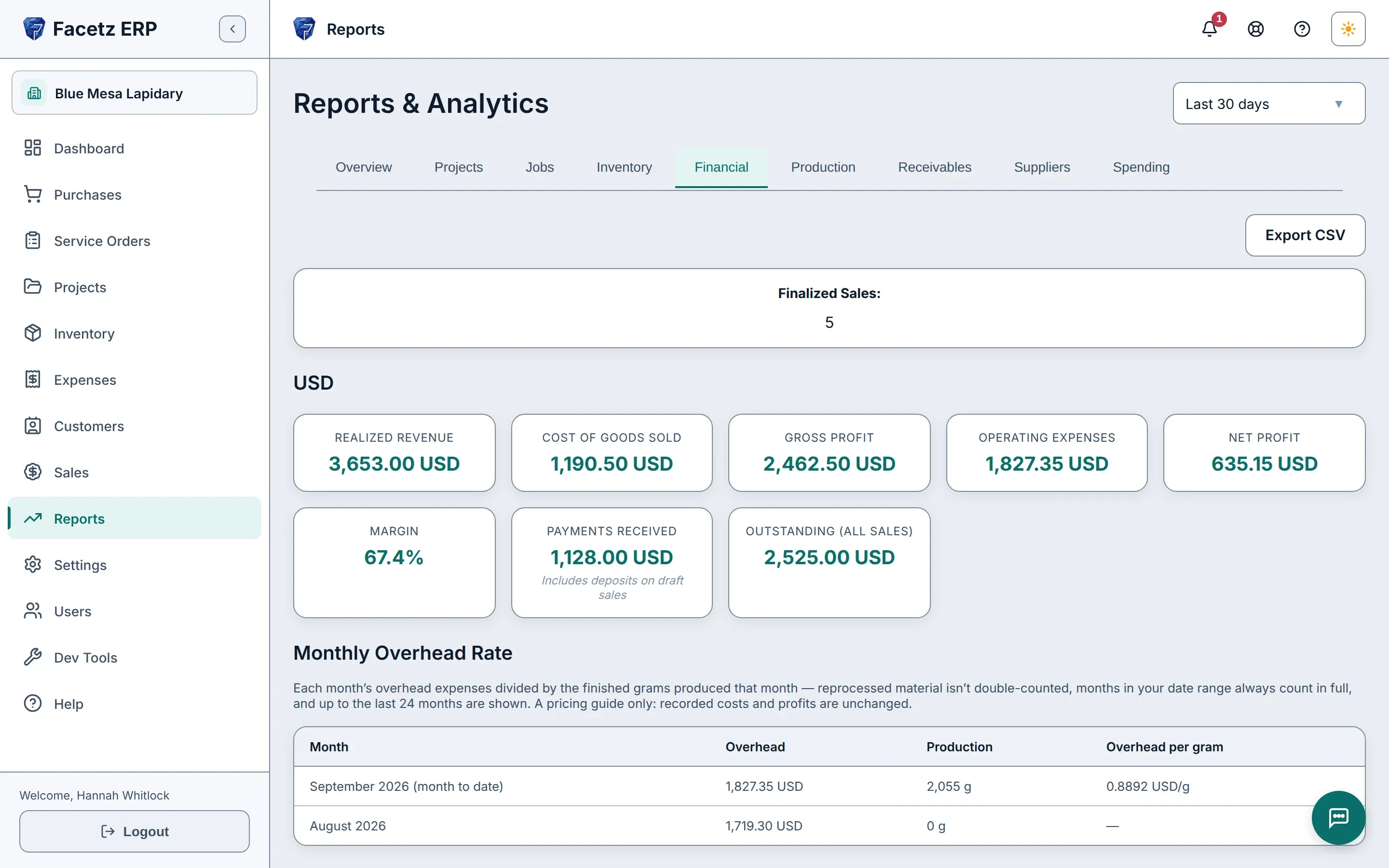
    Resa e scarti registrati; ogni pietra finita con il costo calcolato da grezzo, manodopera e perdite.

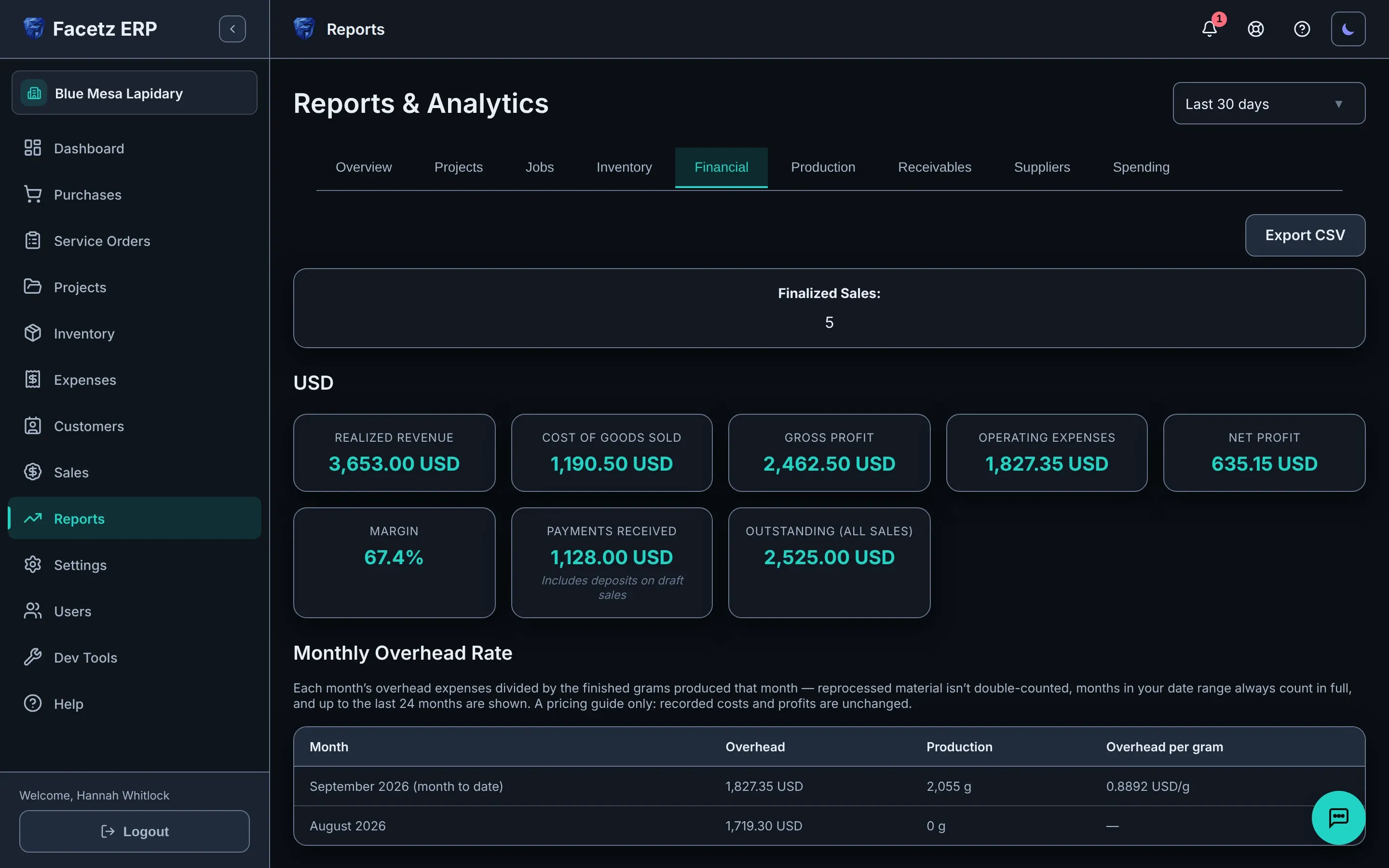
    Il report finanziario: ricavi, costo del venduto, margine e netto, per valuta.Il report finanziario: ricavi, costo del venduto, margine e netto, per valuta.
  4. Venda

    Fatturi dall'inventario reale, con il profitto fissato nel momento in cui finalizza.

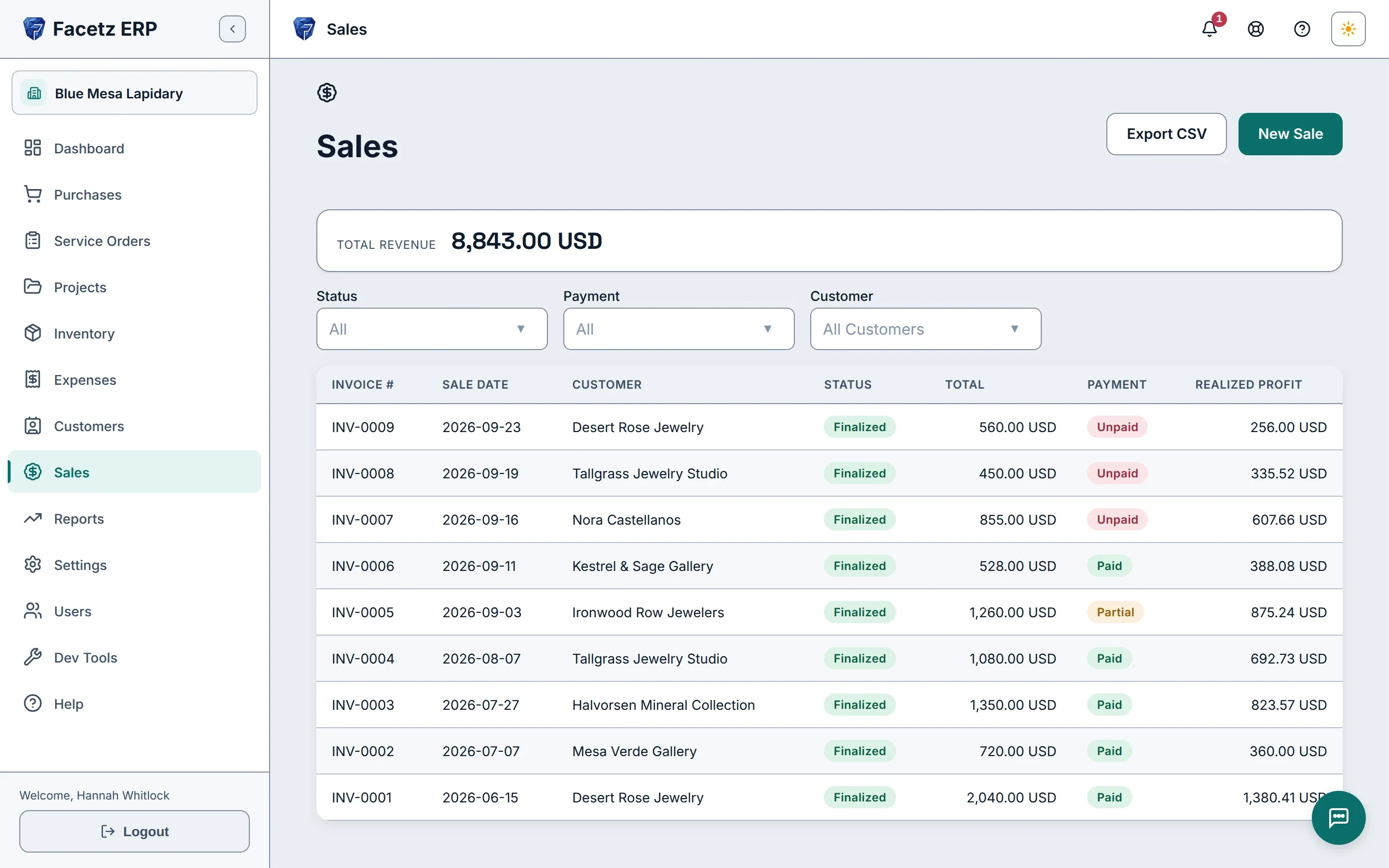
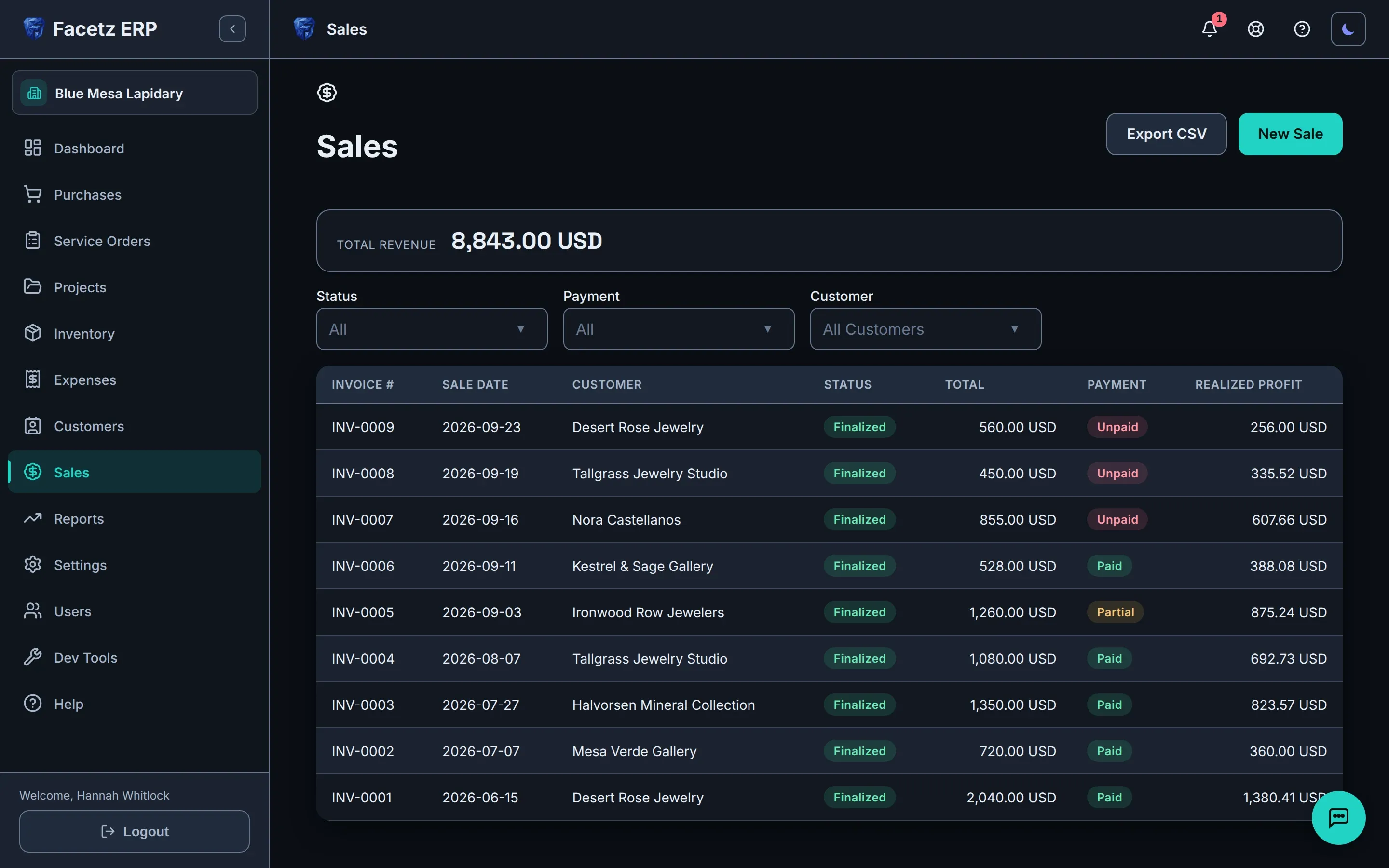
    L'elenco delle vendite: fatture finalizzate con totali, stato del pagamento e utile realizzato.L'elenco delle vendite: fatture finalizzate con totali, stato del pagamento e utile realizzato.

Gemma scrive per Lei

L'assistente integrato legge ciò che gli mostra e prepara la registrazione in bozza — nulla cambia finché non conferma.

  • Fotografi la lavagna delle ore — ogni riga viene registrata.
  • Pietre sulla bilancia — il peso viene proposto in bozza sul lavoro.
  • Gli affidi un foglio di calcolo — Excel, CSV o Google Sheets — e Gemma importa i suoi dati.
  • Faccia domande su inventario e denaro e riceva una risposta dai suoi stessi dati.
  • Ogni azione arriva su una scheda di conferma. Nulla cambia finché non lo dice Lei.
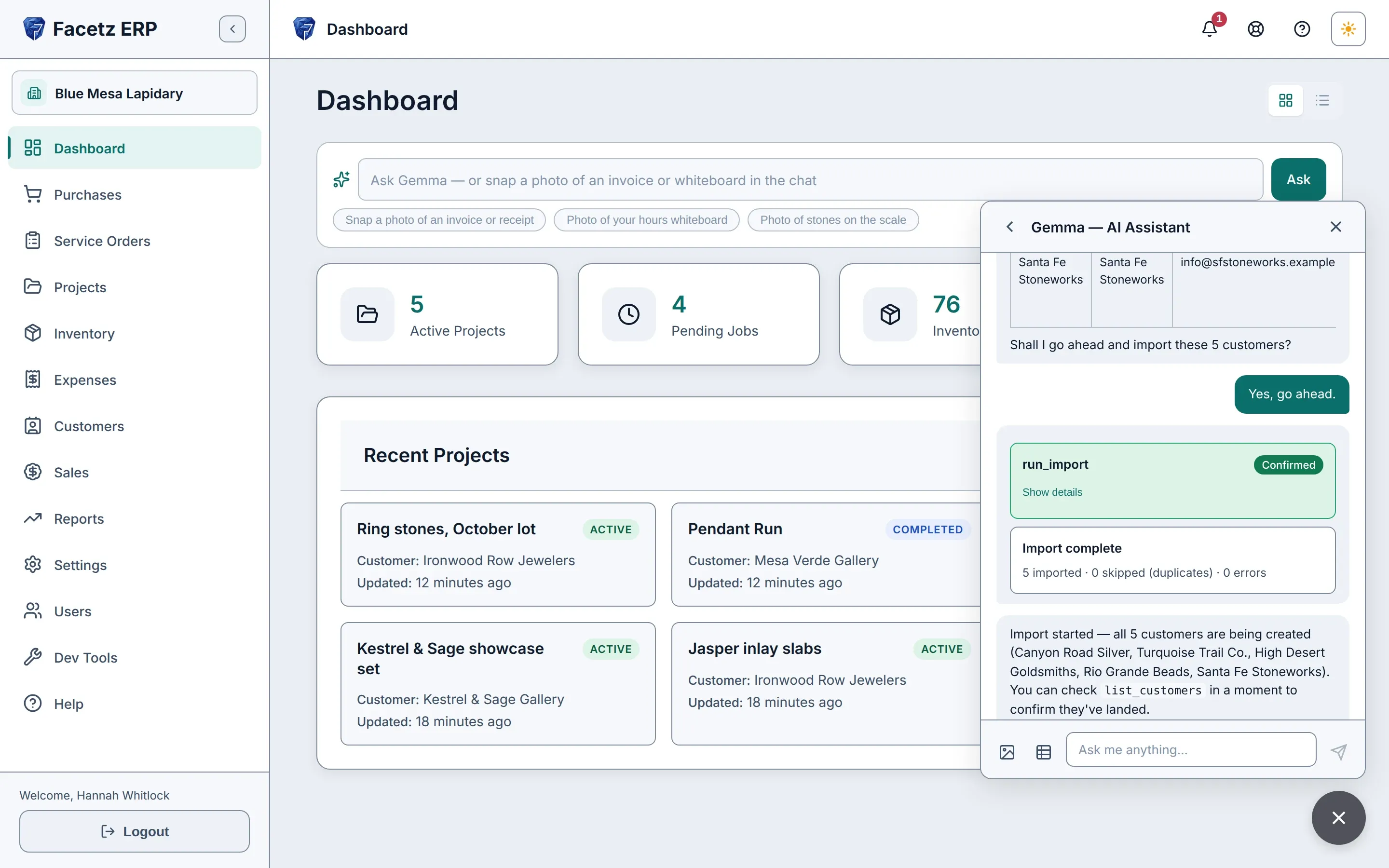
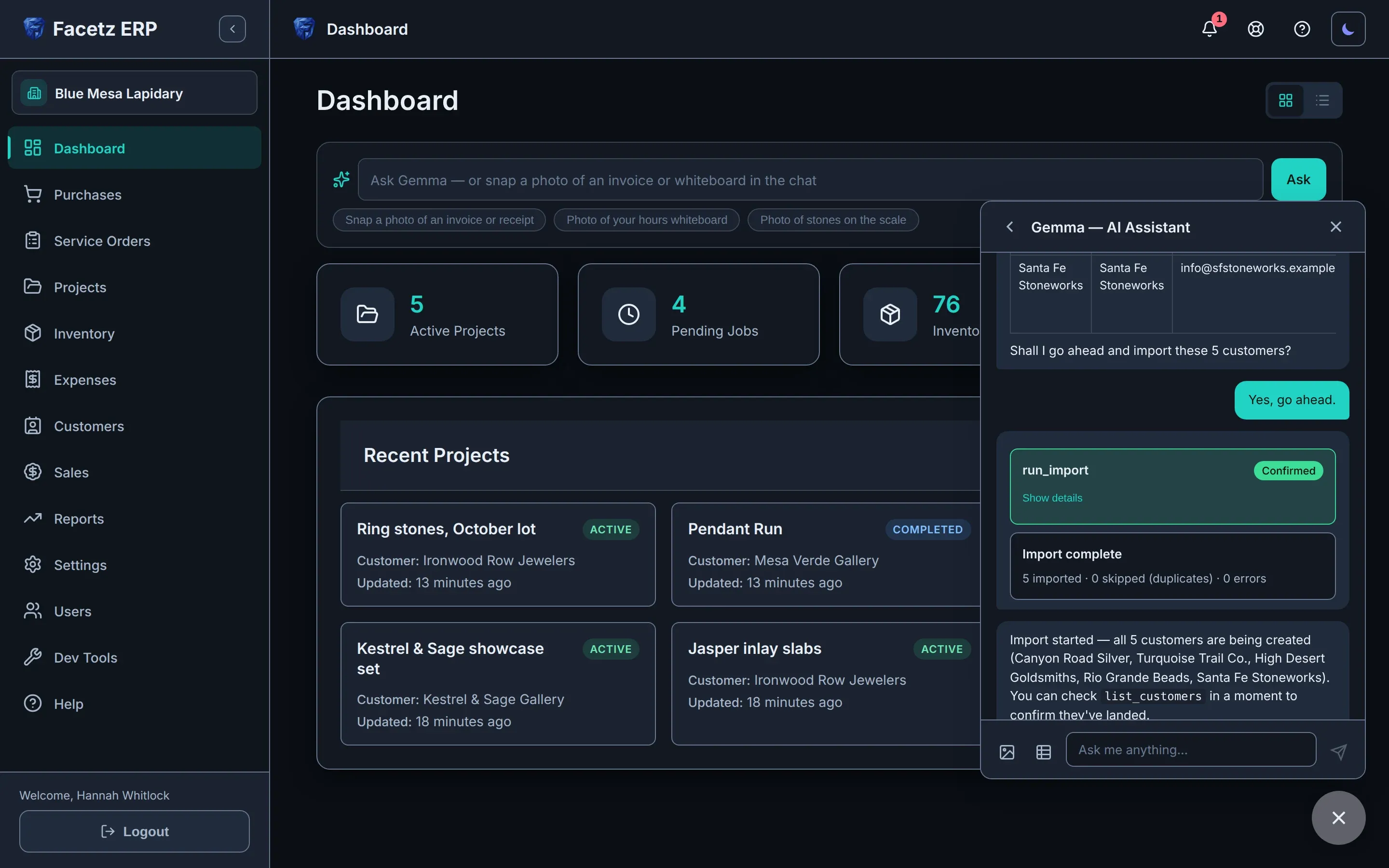
Gemma, l'assistente integrato, che importa un foglio di calcolo di clienti dal pannello della chat.Gemma, l'assistente integrato, che importa un foglio di calcolo di clienti dal pannello della chat.

Lo veda in azione

Dal grezzo alla fattura in pochi minuti: acquisti, tagli, calcoli il costo, venda — poi lasci che Gemma, l'assistente integrato, registri la prossima per Lei.

Lingua del video
Velocità di riproduzione
Trascrizione
  1. Facetz. Know what every stone really cost.
  2. This is Blue Mesa Lapidary. We'll start in Settings.
  3. Facetz works the way your shop does: your phases, materials, cuts and grades, named your way.
  4. Need a tumbling step? Add the phase, name it, save.
  5. And it's ready on every job board and assembly line.
  6. Now, buy some rough. A new purchase: Arizona turquoise, from Sleeping Beauty Mine.
  7. It's rough, grade triple-A. Five hundred grams, for nine hundred dollars.
  8. Save it, and every gram is tracked from the day it arrives.
  9. The card always shows what's left.
  10. Next, a project: the Fall Cabochon Run. It takes two hundred grams of that turquoise, and the other three hundred stay in stock.
  11. Every project, at a glance. Let's open its job board.
  12. A column for every phase, tumbling included. Add a job in cutting, and assign it to Maria.
  13. She'll cut two hundred grams.
  14. Maria starts the job, then her own timer: one tap to start, one to stop.
  15. Hours on the whiteboard? Enter them as written: yesterday, eight to noon.
  16. Four hours, logged.
  17. When the job's done, record what came out: sixty grams of polished cabochons, and a hundred and ten grams of waste.
  18. Open the details: seven dollars sixty a gram. That's Maria's hours at her rate, plus the stone at what you paid.
  19. For a bigger run, start another project: the Pendant Run, three hundred grams, and flip one switch to make it an assembly line through every phase.
  20. Now add the crew. Maria, then Daniel, each at their own pay rate.
  21. Each of them gets a timer for every phase.
  22. Maria taps start on cutting, and the clock runs until she taps stop.
  23. Daniel's hours are on the whiteboard, so just photograph it, and hand it to Gemma.
  24. Gemma reads the board: every name, phase, start and finish, and checks it against the line.
  25. She shows what she'll log, and asks first.
  26. Each entry arrives as a confirmation card. Nothing changes until you confirm.
  27. Confirm all, and the hours are on the line.
  28. Daniel's cutting and polishing, Maria's preforming. Gemma logs all three, then checks her work against the line.
  29. Back on the line, labor and cost add up per phase, live.
  30. When the run's done, complete it.
  31. Log each product as its own yield: ninety grams of cabochons, forty-five of freeforms, a hundred and twenty grams of waste, and there's your yield, forty-five percent, before you confirm.
  32. The line's card keeps it all: output, hours, cost and yield.
  33. What about the costs that aren't stone or labor?
  34. Log any expense, any time. Say, resurfacing the diamond wheel: forty-five dollars, linked to the Pendant Run.
  35. Capitalize it, and it follows the stones into their cost and inventory value.
  36. Marked as capitalized. Now, open that project's cost report.
  37. One page per project: material, labor, and that expense, six dollars and three cents a gram, all in, and the yield for each material.
  38. In inventory, finished goods are one click from the rough: at true cost, valued at market.
  39. Search to find any stone.
  40. The summary splits stone from work, with lifetime yield for each material.
  41. Time to sell. Desert Rose Jewelry wants forty grams of those cabochons, at fourteen dollars a gram.
  42. Save, finalize, and the cost basis is frozen on the invoice.
  43. Two hundred fifty-six dollars of real profit. Not an estimate.
  44. If goods come back, void the invoice, and the stones go back into stock.
  45. Reports are always ready: revenue, cost of goods, margin, net.
  46. Production shows yield, value added, and each cutter's output.
  47. And every table exports to Excel.
  48. Or skip the forms, and just show Gemma, the built-in assistant.
  49. Snap the supplier's invoice, attach it, and ask Gemma to log it as a purchase.
  50. She reads the supplier, the stone, the weight and the price, and matches them to your records.
  51. Then she drafts the purchase, and asks before saving.
  52. Go ahead, and there's the card to confirm.
  53. Confirm, and it's a real purchase: three hundred grams of triple-A turquoise, five hundred forty dollars, from Kingman Rough Traders.
  54. The same record you'd have typed by hand, from one photo.
  55. There it is, every gram available.
  56. Moving from a spreadsheet? Drop it in the chat, and ask Gemma to import your customers.
  57. She maps the columns: name, company, email, phone, and checks every row: five valid, no errors, no duplicates. Tell her to go ahead.
  58. The import waits on its card until you confirm.
  59. All five are imported in one go, and Gemma sums up exactly what she did.
  60. No retyping. No copy and paste.
  61. And there they are: five new customers, ready to sell to.
  62. Know what every stone really cost. Start your free trial today at facetz.app.

Pensato per il suo modo di lavorare

Laboratori gestiti dal titolare

  • Modalità semplice: un breve menu di attività con Gemma in primo piano.
  • Funziona su un telefono, al banco, anche offline se serve.
  • Il costo reale di ogni pietra che taglia.
  • Fatture chiare e pronte per la stampa, dall'inventario reale.

Linee di produzione

  • Linee di montaggio in ogni fase, ogni équipe con le proprie tariffe di pagamento.
  • Paghe a giornata, a settimana o a mese, ripartite sul lavoro in cui sono andate.
  • Resa misurata sul materiale raggruppato.
  • Lavori esternalizzati: invii il materiale all'esterno, registri la resa restituita e il pagamento.
  • Qualsiasi valuta, con report mai mescolati.
  • Tariffe di pagamento nascoste ai lavoratori.

Nato in un laboratorio vero

Facetz è nato al banco di taglio di Nino. I fogli di calcolo non riuscivano a seguire un chilo di turchese attraverso taglio, sagomatura e lucidatura, così abbiamo costruito il sistema che ci riusciva — e ci abbiamo fatto girare il laboratorio.

Tagliamo turchese, opale e lapislazzuli. Ho sempre saputo quanto mi costava un lotto — mai quanto costava un cabochon finito. Ora il prezzo di ogni pietra parte da quanto è costata davvero: grezzo, manodopera e perdite.

Nino, cofondatore · Nino’s
  • I suoi dati sono suoi — esporti tutto, in qualsiasi momento.
  • Se la fatturazione si interrompe, il suo spazio di lavoro diventa di sola lettura. Nulla viene eliminato.
  • I dati di ogni azienda sono isolati, ad ogni query.
  • Funziona offline al banco.
  • 11 lingue, manuale incluso.

Un unico piano per tutto il suo laboratorio

59 USD/mese

  • 1 Proprietario · 1 Responsabile · 1 Lavoratore inclusi
  • +12 USD/mese per ogni utente aggiuntivo, di qualsiasi ruolo
  • IA Gemma — dotazione Starter inclusa
Veda i prezzi

Scopra quanto costa davvero ogni pietra

Inizi con il suo vero team e le sue vere pietre — 14 giorni gratis.

Inizi la sua prova gratuita

Domande? hello@facetz.app · Contatti